
My Contact Profile

No NFC expertise required

Program your own NFC business card in a few minutes.

You do not need an expensive proprietary smart card. Buy an ordinary writable NFC card, put your permanent My Contact Profile link on it, test it, and use the same physical card for years. Blank cards can cost only a few tens of pence each in bulk.

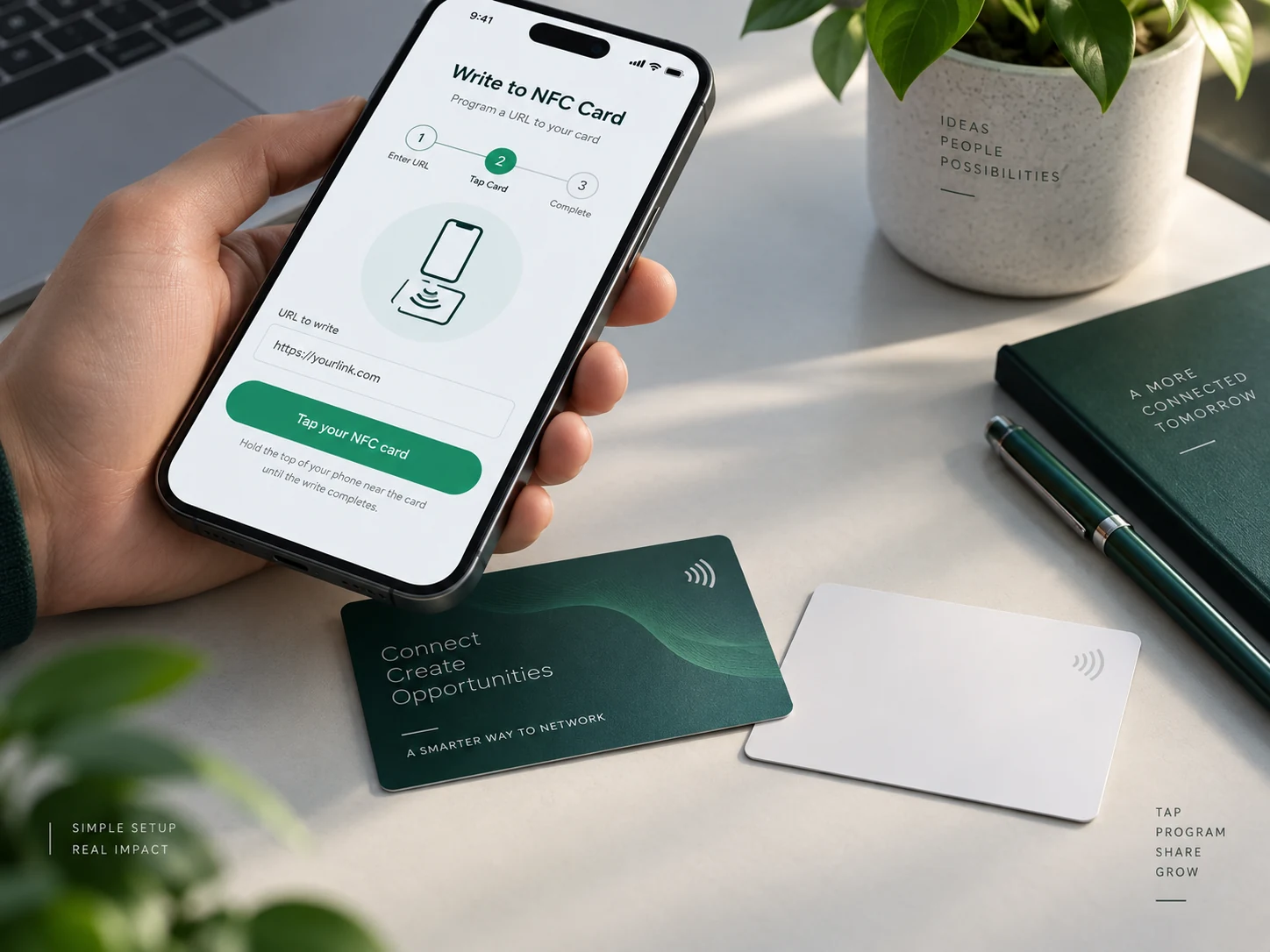
Phone writing a URL to an NFC business card

Phone compatibility

You do not need a list of hundreds of phone models.

The useful compatibility rules are simple, and Profile Builder also checks whether direct Web NFC is available before it tries to write.

Android — direct browser writing

Use an NFC-capable Android phone with NFC enabled and Chrome 89 or newer. Web NFC requires HTTPS, a visible top-level page, a user tap on the Write button, and a writable NDEF-compatible NFC card or tag.

Chrome Web NFC documentation
iPhone — use NFC Tools

Safari does not provide direct Web NFC writing. The current NFC Tools App Store listing supports iPhone 7 and newer and requires iOS 15.6 or later. The app can write website links to compatible NFC tags.

Download NFC Tools for iPhone

Android fallback — NFC Tools

If direct Web NFC is unavailable in your Android browser, the free NFC Tools app can write the same URL to the same card. An NFC-capable device is required.

Download NFC Tools for Android

Android — no app needed

Write the card directly from Profile Builder.

01

Open your Profile Builder in Chrome

Use your NFC-capable Android phone, make sure NFC is switched on, and open the secure HTTPS Profile Builder page.

02

Tap “Write to NFC card”

The Builder already knows your permanent NFC programming URL. You do not have to copy or type it.

03

Allow NFC access

Chrome may ask for permission. Allow it, then keep the page visible and unlocked.

04

Hold the card against the phone

Move the writable card around the back of the phone until the NFC antenna detects it. The Builder confirms when the URL has been written.

05

Test it on another phone

Move the card away, then tap it with another compatible phone. It should open your live My Contact Profile page.

iPhone — NFC Tools method

Write the same permanent link with the NFC Tools app.

01

Install NFC Tools

Download NFC Tools from the App Store. The current listing supports iPhone 7 and newer with iOS 15.6 or later.

02

Copy your NFC programming link

Open Profile Builder → QR & NFC sharing and copy the NFC programming link. Do not use an editable vanity URL instead.

03

Open the Write section

In NFC Tools choose Write, then Add a record. Choose the URL / URI or website-link record. Wording can vary slightly between app versions.

04

Paste the link

Paste the full HTTPS NFC programming URL from Profile Builder and confirm the record.

05

Tap Write

Start the write operation, then hold the top of the iPhone close to the NFC card until NFC Tools confirms the write.

06

Read the card back

Test the finished card with another phone. It should open the same permanent My Contact Profile smart link.

07

Only lock after testing

Making many NFC tags read-only is irreversible. Leave the card writable until the URL, print and full physical card have been proven.

Android in practice

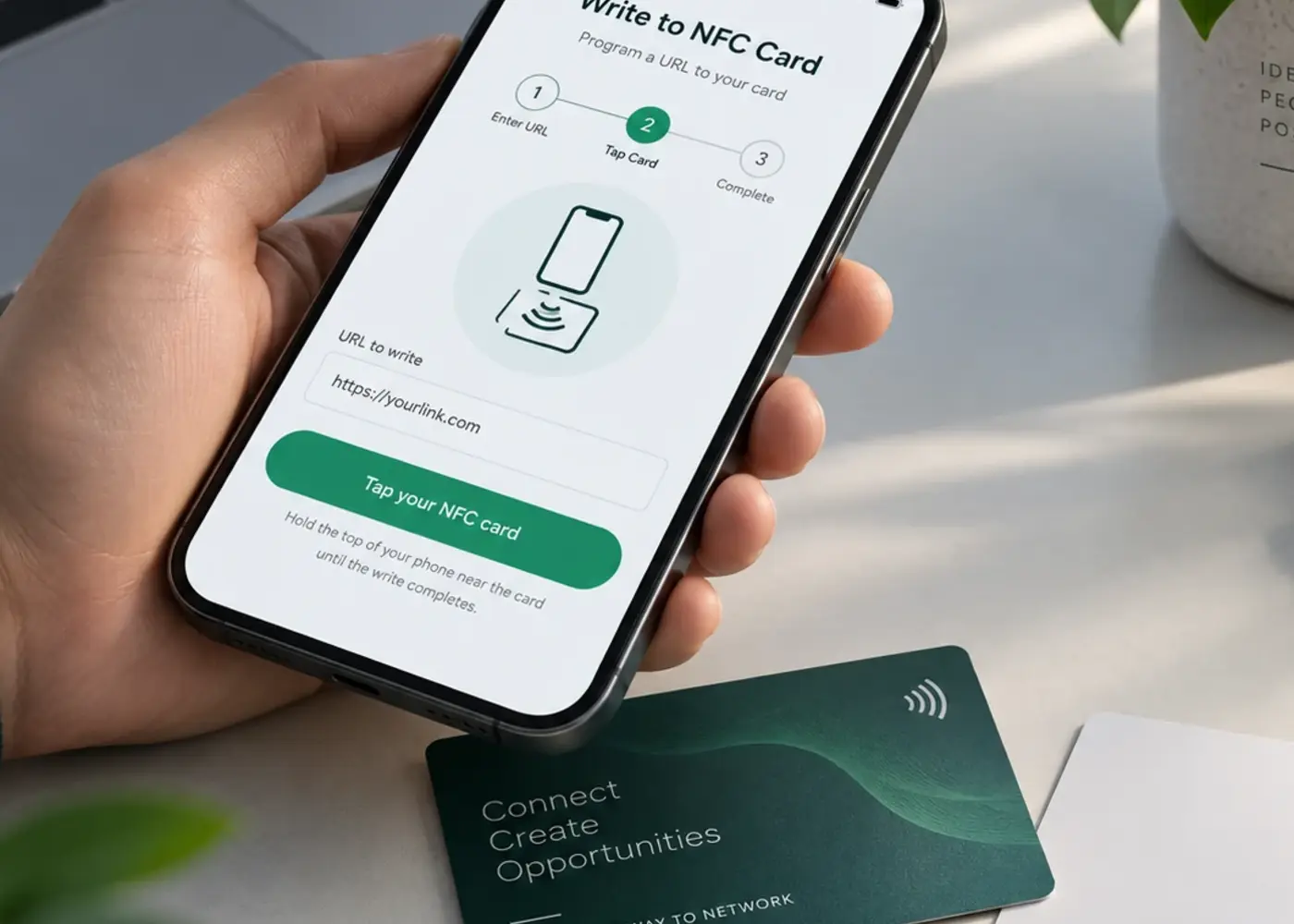
The direct browser write is a simple tap-and-confirm flow.

When Web NFC is available, Profile Builder already knows the permanent NFC link. You simply tap the write button, bring the card to the phone, and confirm with a quick real-world test afterwards.

Close-up of a phone writing a URL to an NFC card

Finished result

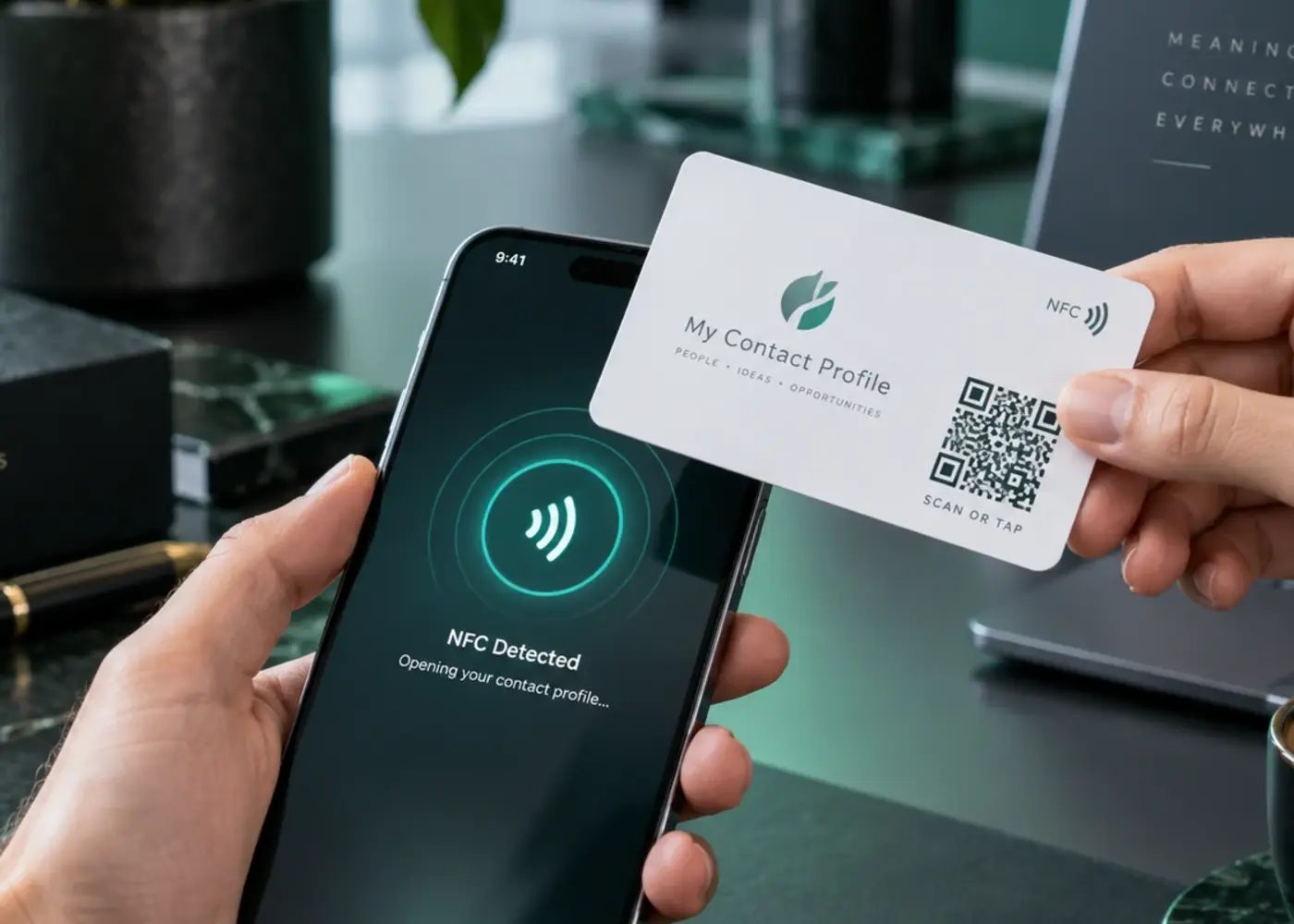
A programmed card can stay simple: tap, scan, open profile.

After writing the NFC link, the same card can still carry a visible QR code as backup. That keeps the physical card easy to understand while both NFC and QR continue to open the same live profile.

NFC business card being tapped against a phone after programming

What the chip actually stores

One short URL — not your whole contact record.

Your card contains the permanent NFC smart link. The live profile stays on the web, so changing your phone number, company, links, design or public address does not require rewriting the card.

  • NTAG213 is normally enough for a single short HTTPS link.
  • Use an anti-metal NFC card or tag when the antenna will sit directly against metal.
  • Put a printed QR on the same card for a visible fallback and separate QR/NFC analytics.

The physical card can cost pennies. The useful part is the live profile behind it.

You can start with a single blank card or buy them in bulk for only a few tens of pence each. Program them yourself and avoid being locked into expensive branded NFC hardware.

Questions

Frequently asked questions

Do I need an app on Android?

Not when your NFC-capable Android phone and Chrome support Web NFC. Profile Builder can write the permanent URL directly. NFC Tools is available as a fallback.

Why does iPhone need an app?

iPhone hardware can write NFC tags, but Safari does not expose the Web NFC writing API used by Android Chrome. NFC Tools provides the native iOS writing interface.

Do I need to rewrite the card after changing my public ID?

No. The card contains your permanent share identity, which redirects to the current public profile address.

Should I make the NFC card read-only?

Only after you have tested the final card. Making a compatible tag read-only is normally permanent.

Ready when you are

Choose your username and profile URL, then customise your profile with every template and colour palette available. Take your time, make it exactly how you want it, and pay only when you’re completely happy with the result.

Create your profile