Your account gets a permanent share code
The code is created once for the profile and is not your editable public ID.
Permanent QR, live profile
Instead of encoding a disposable vanity URL directly into your print, My Contact Profile gives the profile a permanent smart link. The QR points to that identity, which then opens the current profile.
How it works
The code is created once for the profile and is not your editable public ID.
Scanning opens the My Contact Profile smart-link endpoint with a QR source marker.
If your public address changes later, the redirect changes — the already printed QR does not.
Where to use it
Keep the printed card simple: name, role, brand and a QR to the live profile.
Give readers a direct way to save your details instead of typing an email or phone number.
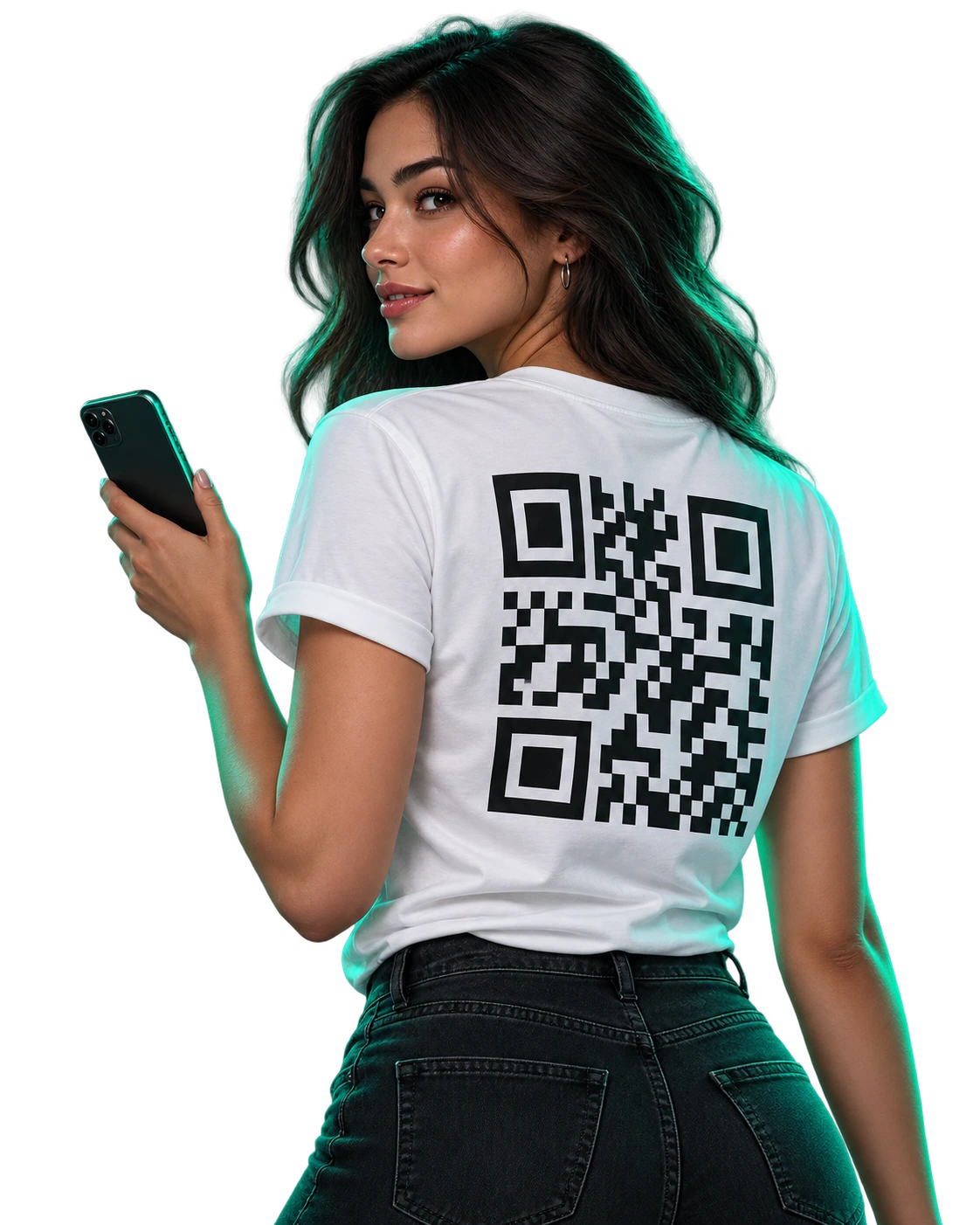
A visible QR works when handing over a physical card is inconvenient.
Use a sufficiently large code with good contrast and test at the intended scanning distance.
Do not crop the white margin immediately around the QR modules. Keep strong dark-on-light contrast, avoid putting important artwork over the code, and test a printed proof before producing a large batch.
Questions
No. The QR is generated from your own permanent My Contact Profile smart link. There is no external QR redirect provider in the path.
No. Editing contact data, design or the public vanity address does not change the permanent share identity encoded in the QR.
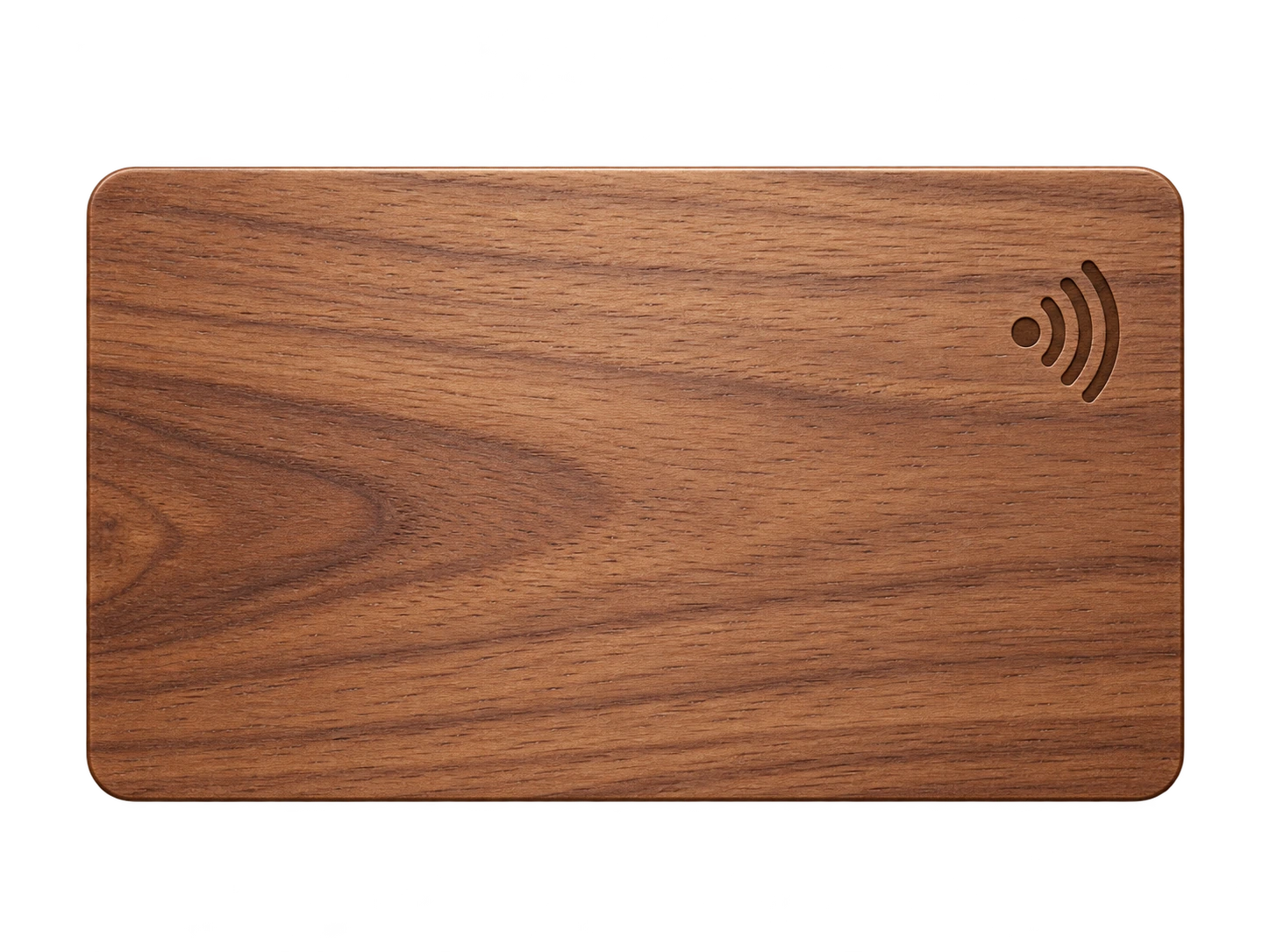
Yes, and it is usually the most practical physical design: tap for NFC, scan the QR as a universal visible fallback.
Ready when you are
Use an ordinary writable NFC card or sticker, program your permanent profile link yourself, and keep the same card when your details change. Bulk blank cards can cost only a few tens of pence each.