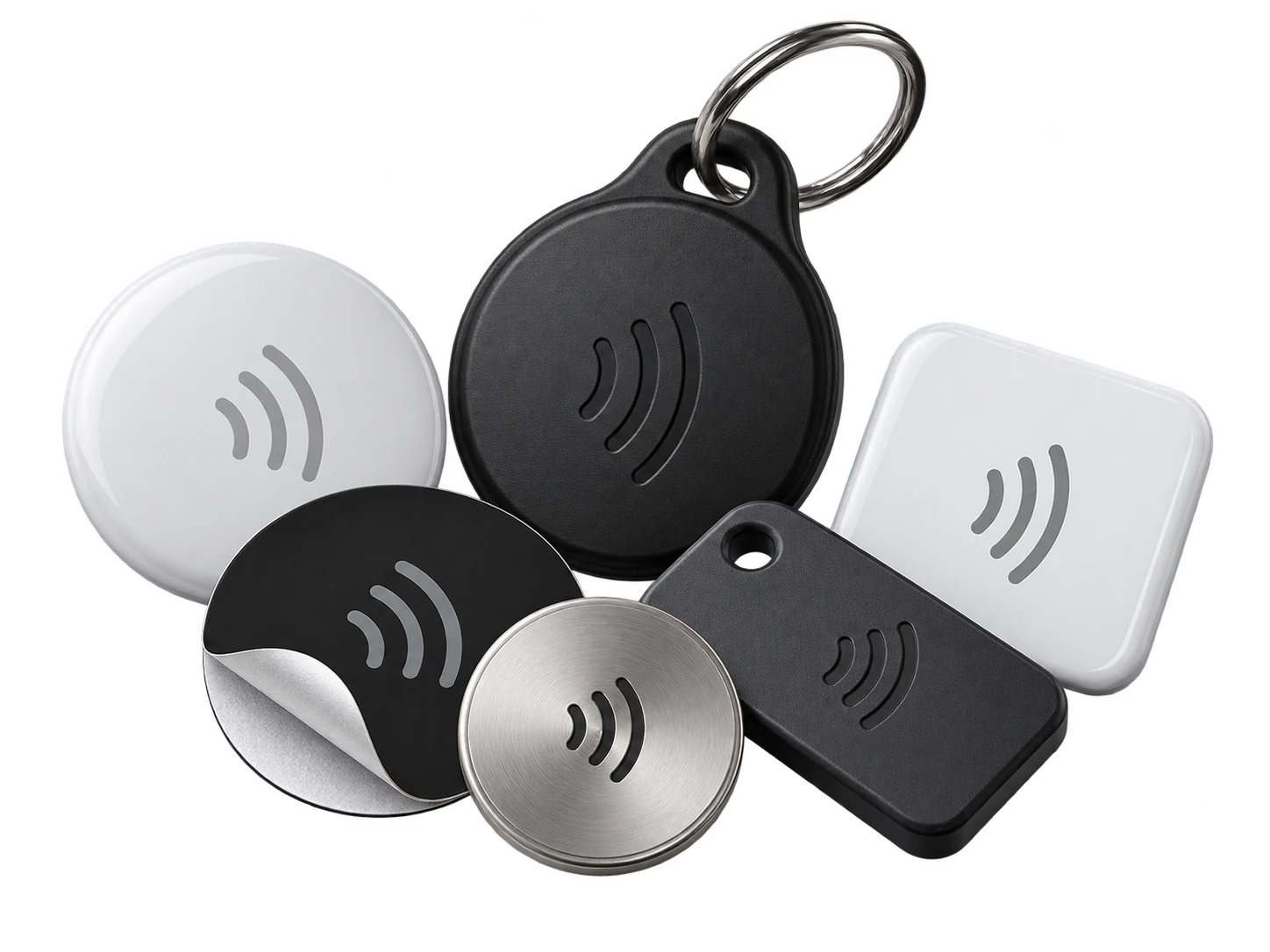
1. Buy compatible cards
For a simple URL, NTAG213 is a practical low-cost choice. Buy anti-metal versions only when the card/tag will sit directly on metal.
DIY NFC guide
Start with an ordinary writable NFC card, add your own print or sticker, then program the permanent NFC URL from your profile. You can do the whole job yourself, and blank cards can cost only a few tens of pence each in bulk.
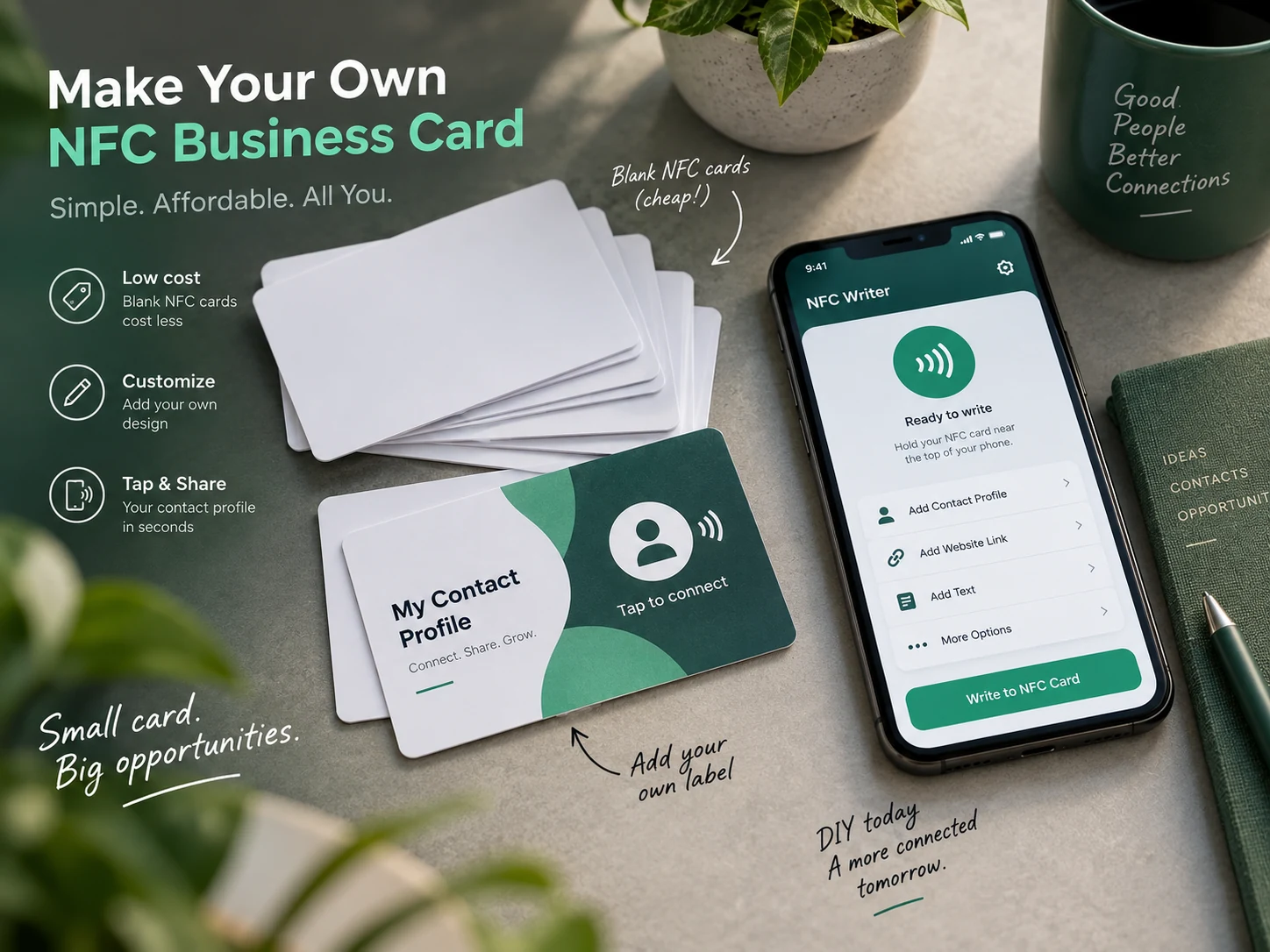
DIY workflow
For a simple URL, NTAG213 is a practical low-cost choice. Buy anti-metal versions only when the card/tag will sit directly on metal.
Use a card printer, order custom printing, or apply a non-metallic full-face vinyl/paper label. Metallic foil can interfere with the NFC antenna.
Complete the Builder and checkout. Once the profile exists, the permanent sharing identity is created.
In Profile Builder, open QR & NFC sharing and copy the NFC programming link.
Use an NFC writing app, add one URL/URI record, paste the link and tap the blank card when the app asks you to write.
Test the card with another phone before locking. Once a tag is made read-only, that change is normally permanent.
Three low-cost production methods
Best for prototypes and small batches. Use a good non-metallic label on a blank white or black NFC card and trim accurately.
For repeated batches, use NFC cards made specifically for your card printer. Standard thermal and inkjet cards are not interchangeable.
At hundreds or thousands of cards, full-colour supplier printing can become simpler and more consistent than labelling cards individually.
Put “Tap or scan” plus the QR on the physical card. Avoid printing phone numbers or job titles that may change if the profile already contains them.
Low-cost example
This is useful when you want to test your message, print style or event workflow without committing to a large run straight away.
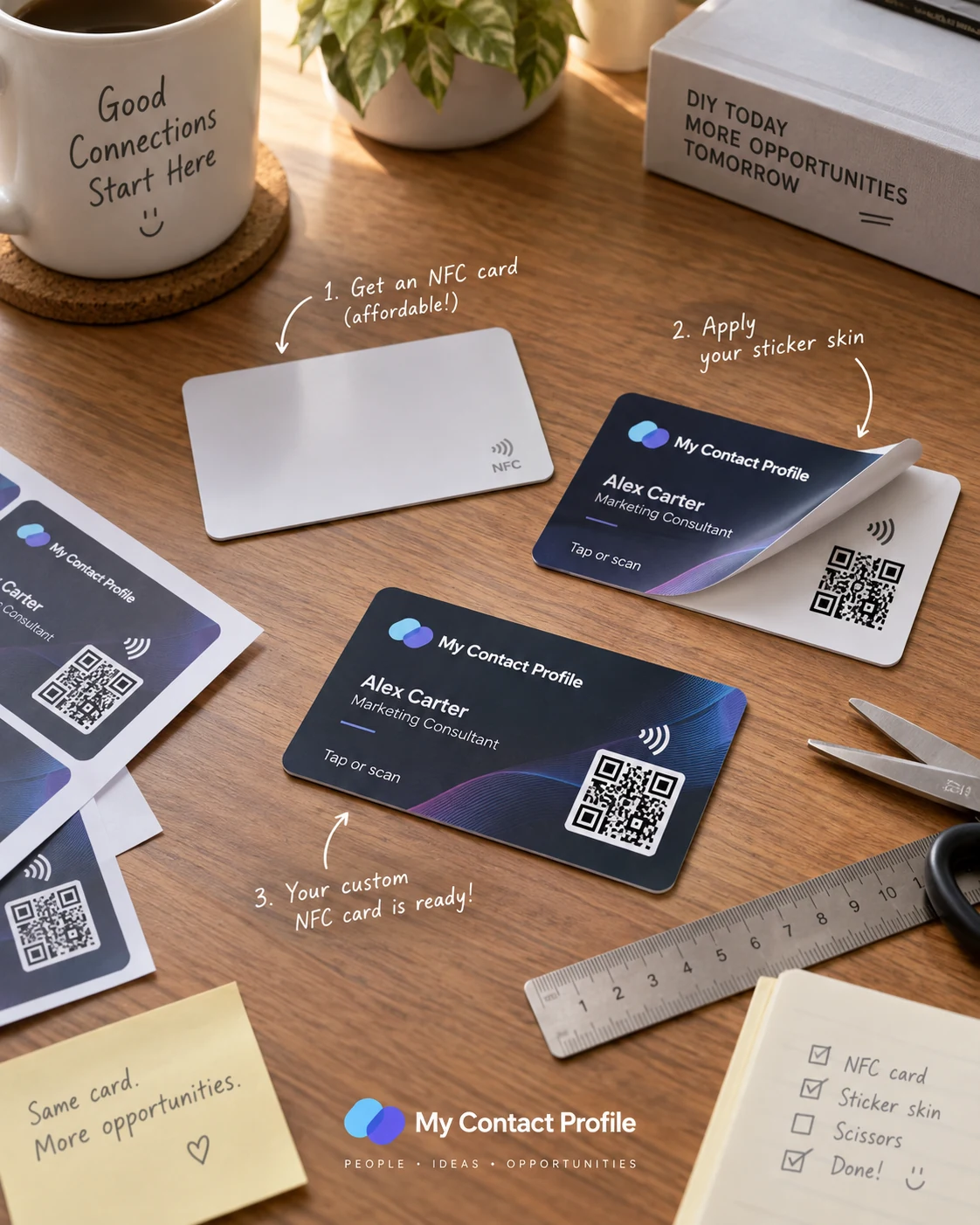
Use a repeatable production checklist: write → read back → scan/tap test → mark as passed. Locking cards before verification can turn a simple typo into an unusable batch.
Questions
Usually yes if the sticker is paper or normal non-metallic vinyl. Avoid metal foil and test the finished card because antenna performance depends on materials and placement.
No. The card stores the permanent My Contact Profile NFC smart link. Edit the online profile and the same card continues to point to it.
Ready when you are
Use an ordinary writable NFC card or sticker, program your permanent profile link yourself, and keep the same card when your details change. Bulk blank cards can cost only a few tens of pence each.