
Nothing to reprint when details change
The chip stores the permanent smart link, not a frozen copy of your current phone number or job title.
Tap instead of type
You do not need to buy a proprietary “smart business card”. Anyone can make one from an ordinary writable NFC card or sticker, often for only a few tens of pence per card in bulk, then write the permanent My Contact Profile link themselves.
Why it is useful
The chip stores the permanent smart link, not a frozen copy of your current phone number or job title.
Use an ordinary compatible NFC Forum Type 2 card or tag. The profile service and physical card are separate choices.
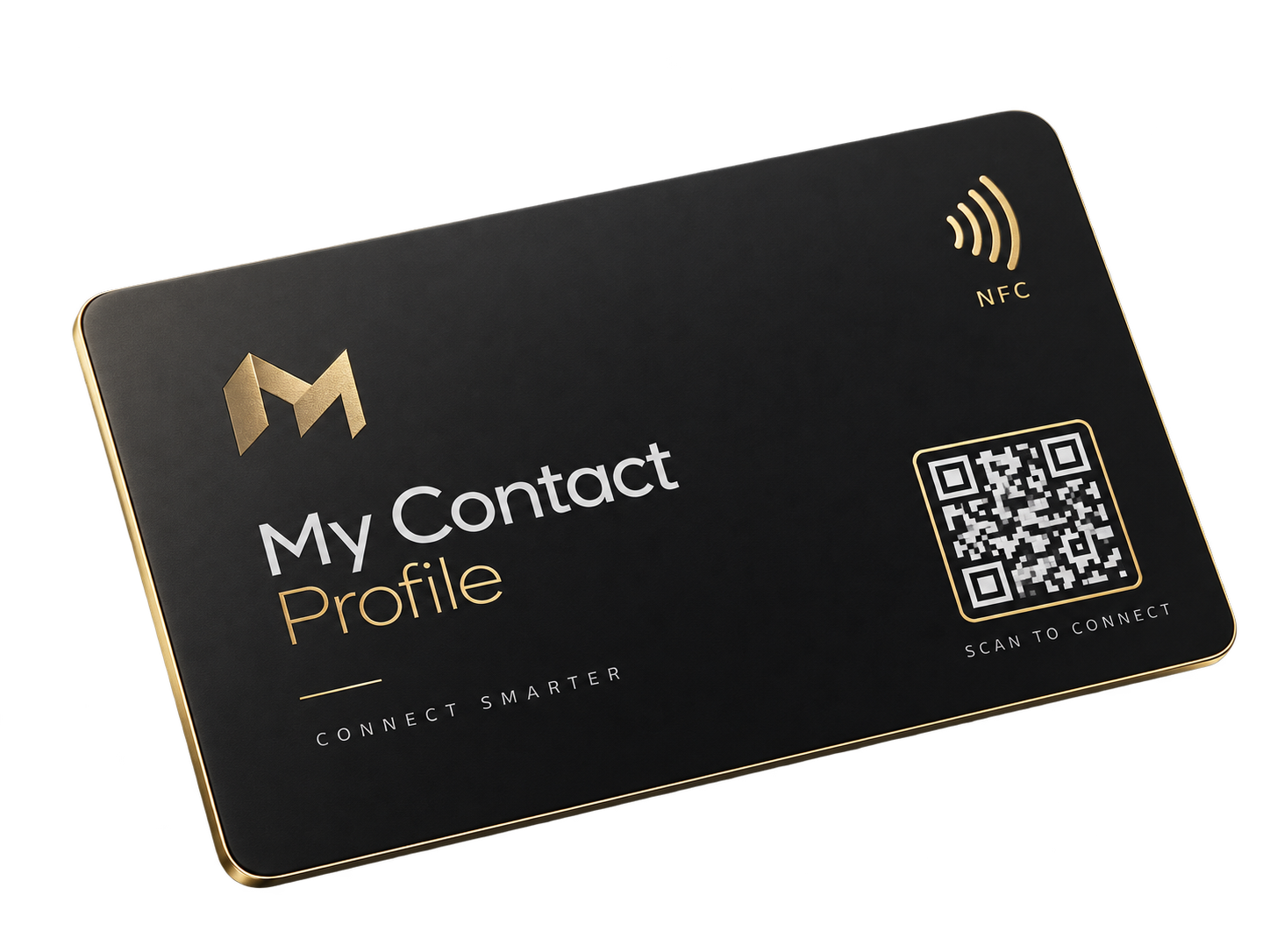
A tap can open the profile immediately, with QR printed on the same card as a visible fallback.
The NFC programming link carries an NFC source marker, so NFC opens can be counted separately from QR opens.
Hardware cost
As a practical buying guide, blank unprinted NFC cards often start from around $0.50 USD each on average, and can be cheaper in larger quantities. The expensive part is usually custom printing, packaging or buying a branded finished product — not the NFC chip itself.
Compatible blank cards
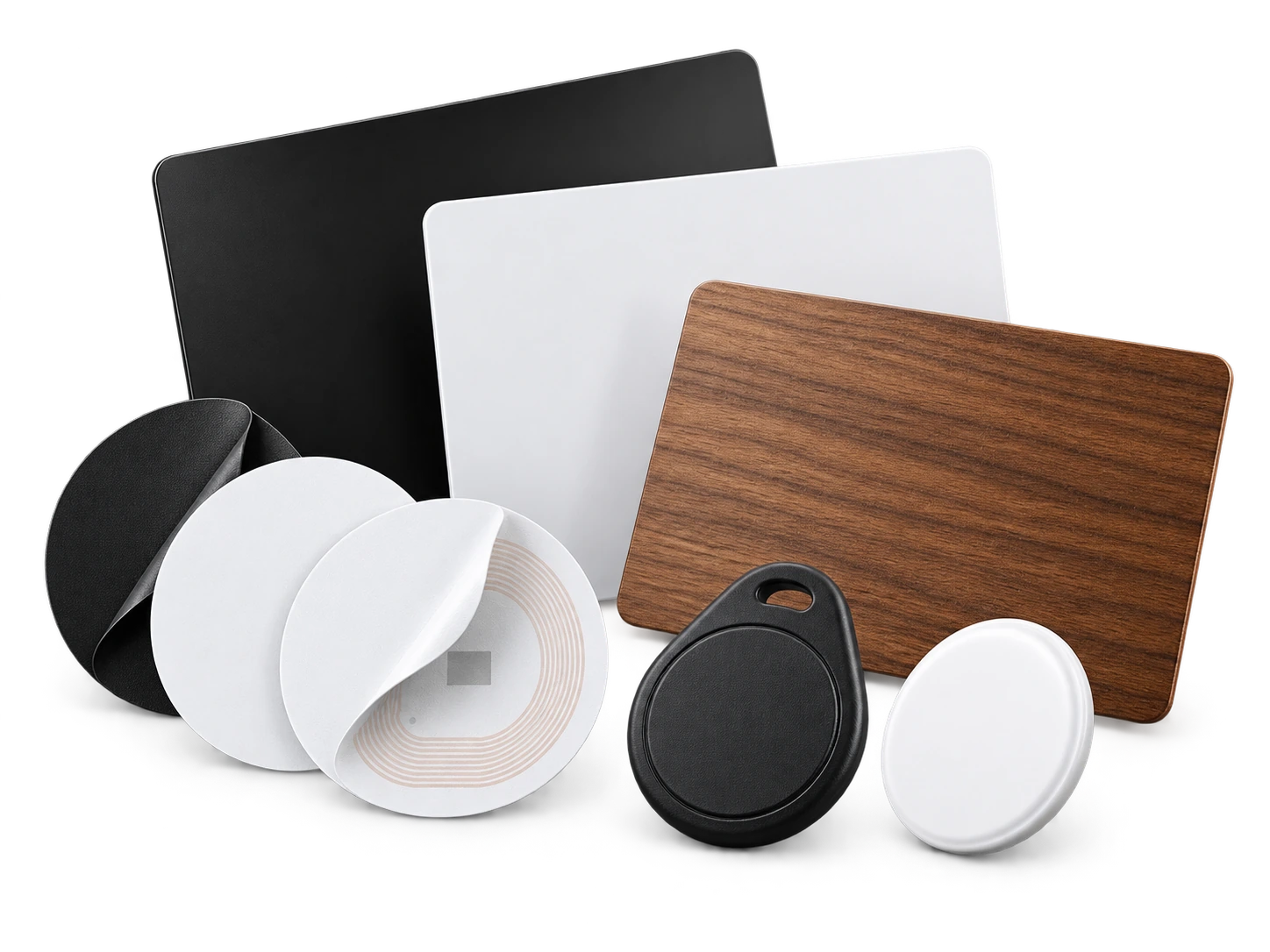
These are the common blank card styles people usually buy first. The visible finish can change, but the recommended chip families stay the same.
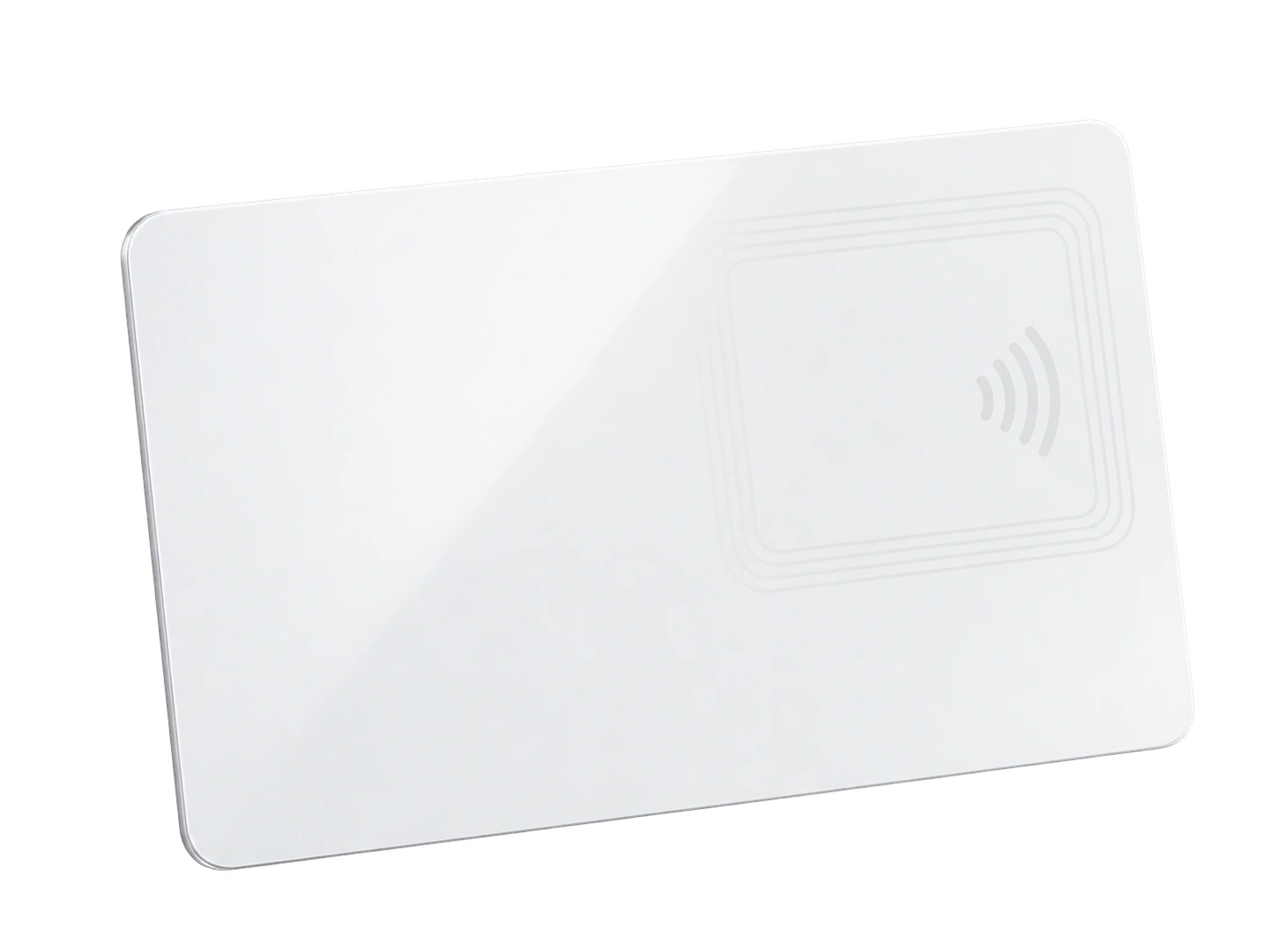
The most common low-cost option. Best when you want a clean blank card, your own printed sticker, or direct printing later. Recommended types: NTAG213, NTAG215 or NTAG216.
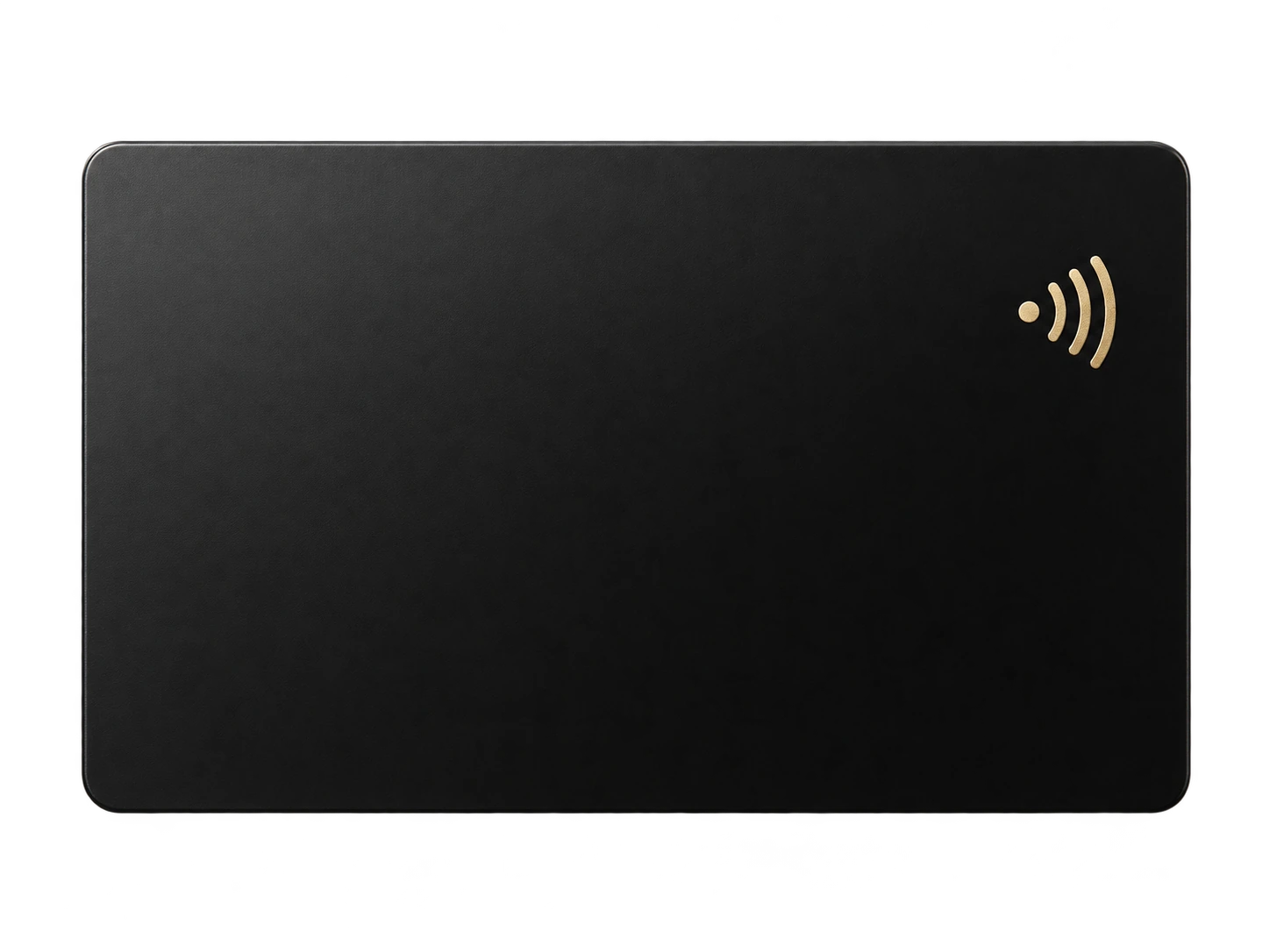
A more premium-looking blank card without changing how the profile works. Useful when you want a sleek minimalist finish. Recommended types: NTAG213, NTAG215 or NTAG216.
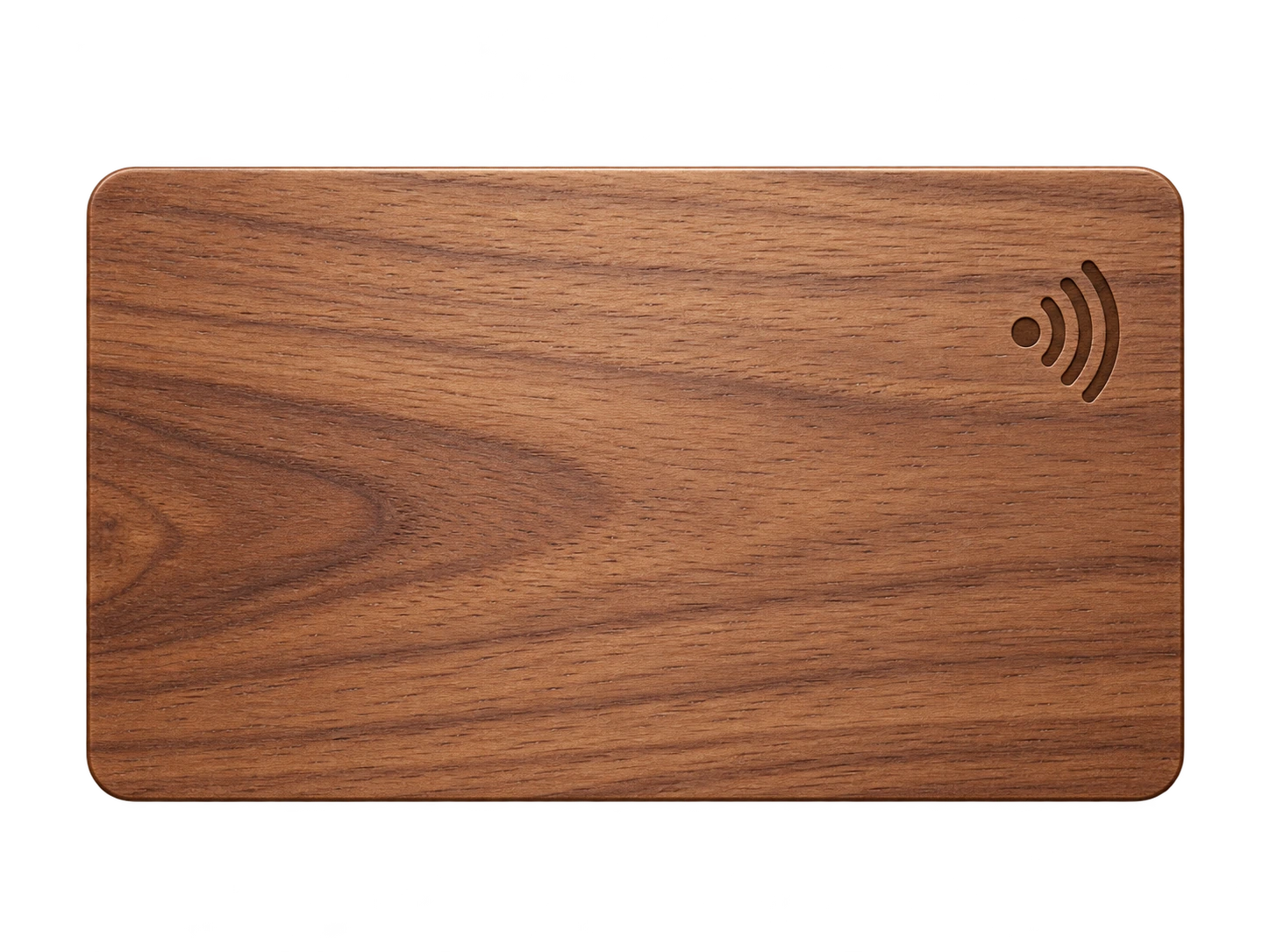
A natural-looking premium option for creative or boutique brands. The finish is different, but the same NFC logic applies. Recommended types: NTAG213, NTAG215 or NTAG216.
Other compatible formats
The same permanent profile link can also live on stickers, mini tags and other compact NFC formats. These are useful if you want to upgrade an existing card, badge, desk sign or product insert.
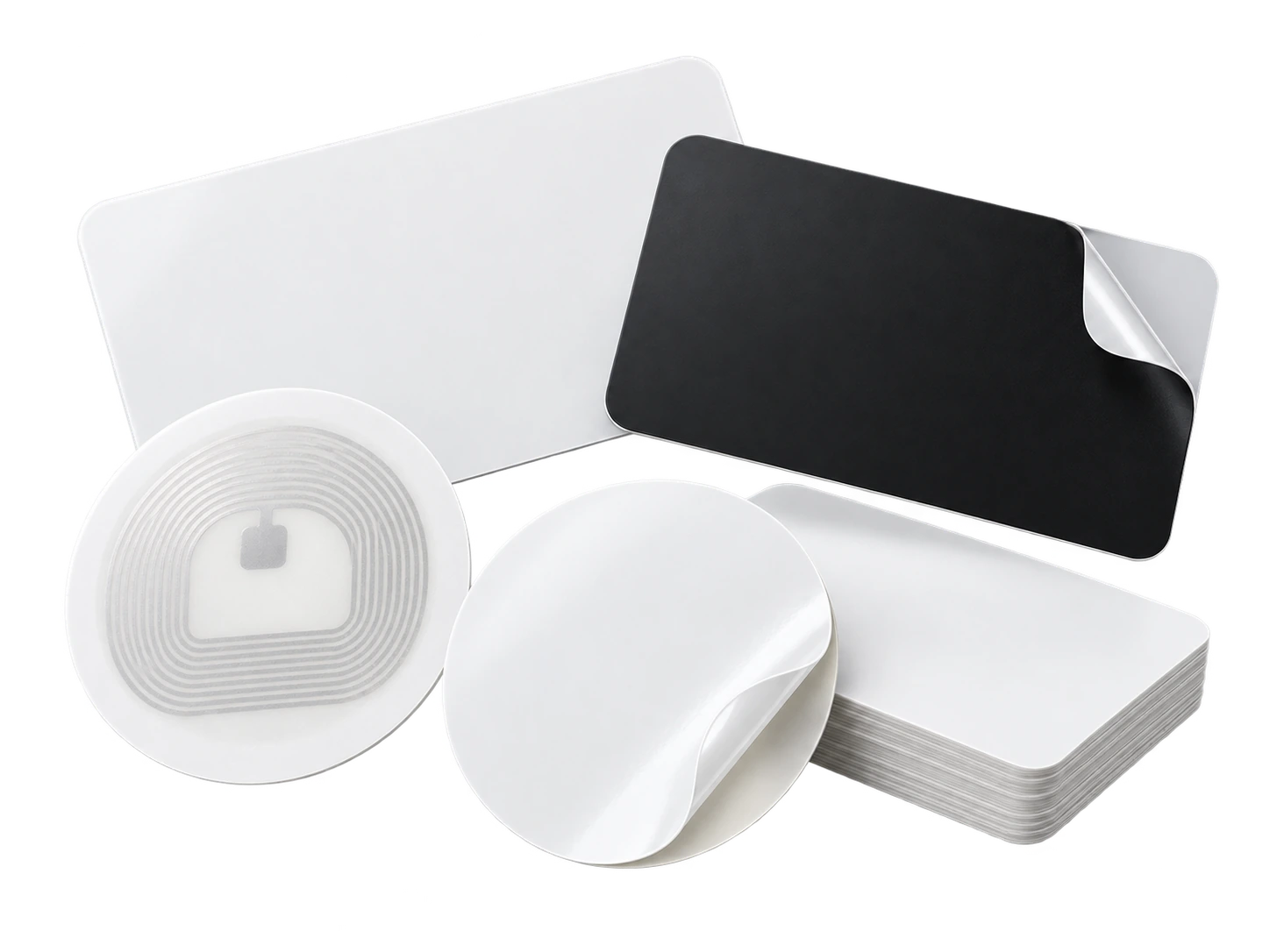
An easy way to convert an existing plastic card, badge holder, sign or product box. Recommended types: NTAG213 or NTAG215, with anti-metal versions when the surface is metal.
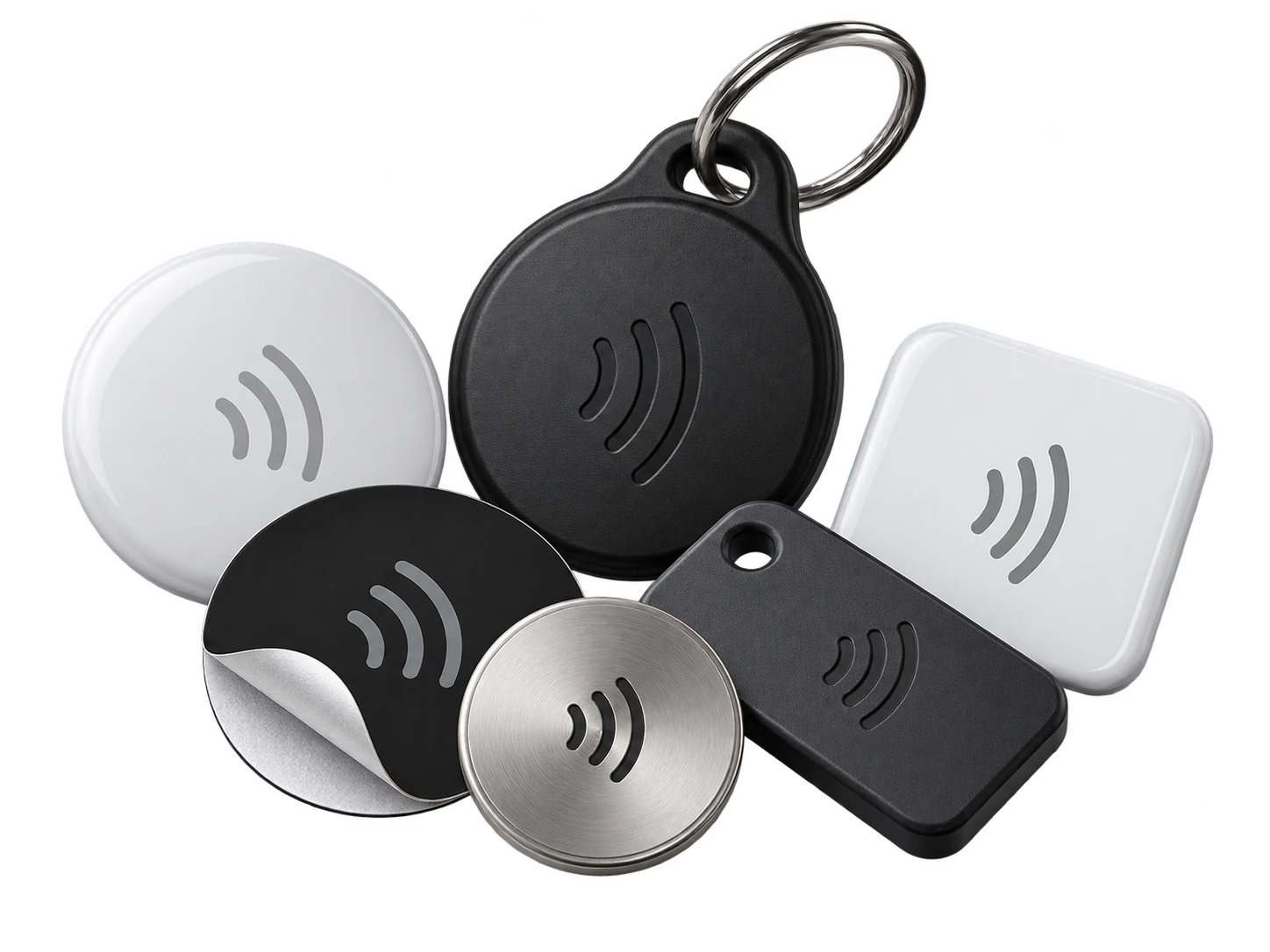
Small round tags, desk dots and compact tokens use the same profile link idea in a smaller format. Recommended types: NTAG213 or NTAG215 on NFC Forum Type 2 hardware.
It is normal to use more than one format: a full-size card for meetings, a sticker for packaging, and a small tag for displays or events. The same profile can support them all.
Real-world tap moment
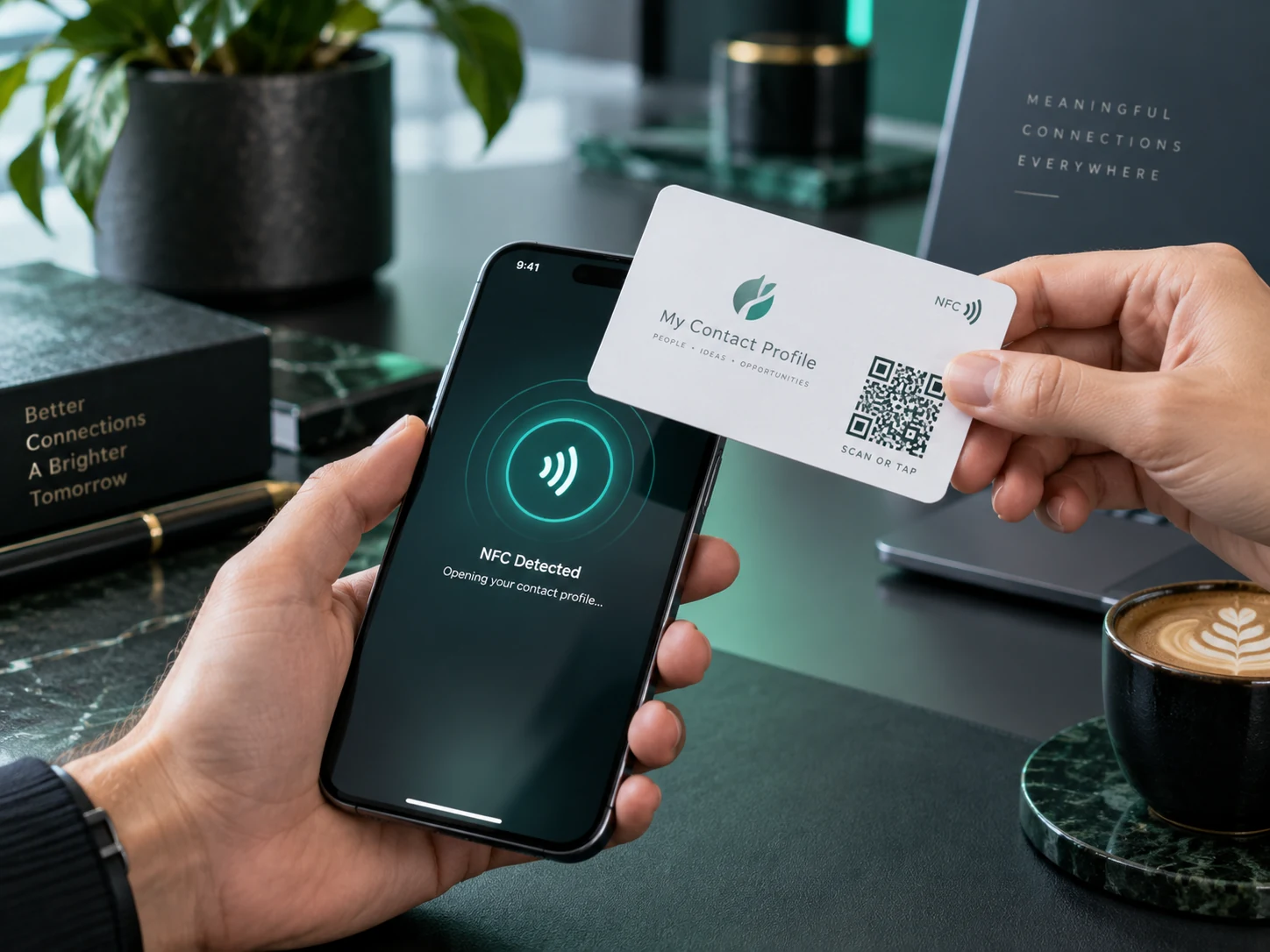
A printed NFC card feels familiar, but the tap opens something much more useful than ink on paper: a live profile that can stay current.
Choosing a compatible NFC card
The NFC chip only needs to store your permanent My Contact Profile address. NTAG213 has enough memory for that normal use, so there is usually no reason to pay more just for extra chip memory. NTAG215 and NTAG216 also work if you already have them.
Programming takes minutes
On an NFC-capable Android phone with Chrome 89 or later, Profile Builder can write your permanent NFC link directly to the card with no separate NFC app.
On iPhone, install NFC Tools, then copy the NFC programming link from Profile Builder and write it as a URL / URI record.
Read the card with another NFC-capable phone. Only make the tag read-only after you know it opens the correct permanent My Contact Profile link.
NFC is quick when the reader knows where to tap. QR is visible and works as a fallback. Putting both on the same card gives people a choice without changing the profile behind either one.
Questions
No. V1 intentionally supports ordinary compatible writable NFC cards, tags and stickers instead of proprietary hardware.
No. The recommended setup writes one permanent HTTPS smart link. Your actual profile data stays online, where you can update it later.
Most blank NFC tags are rewritable until you deliberately lock them. Do not make a tag read-only until you have tested the link.
Ready when you are
Use an ordinary writable NFC card or sticker, program your permanent profile link yourself, and keep the same card when your details change. Bulk blank cards can cost only a few tens of pence each.