Portfolio
Link to the gallery or social profile that best represents your current tattoo work.
Portfolio, studio and booking route without the paper clutter
A public profile can connect your current portfolio, studio location and approved booking route. Put the permanent QR on aftercare cards, convention material or studio signage and update the live links whenever your booking process changes.
Contact priorities
Link to the gallery or social profile that best represents your current tattoo work.
Make it clear whether clients should use email, a form, a booking day or another defined process.
Show the correct studio identity and public location information clients need before an appointment.
Permanent QR
The QR points to your permanent smart-link identity, so the printed code can stay in place while the live profile changes.
NFC tap
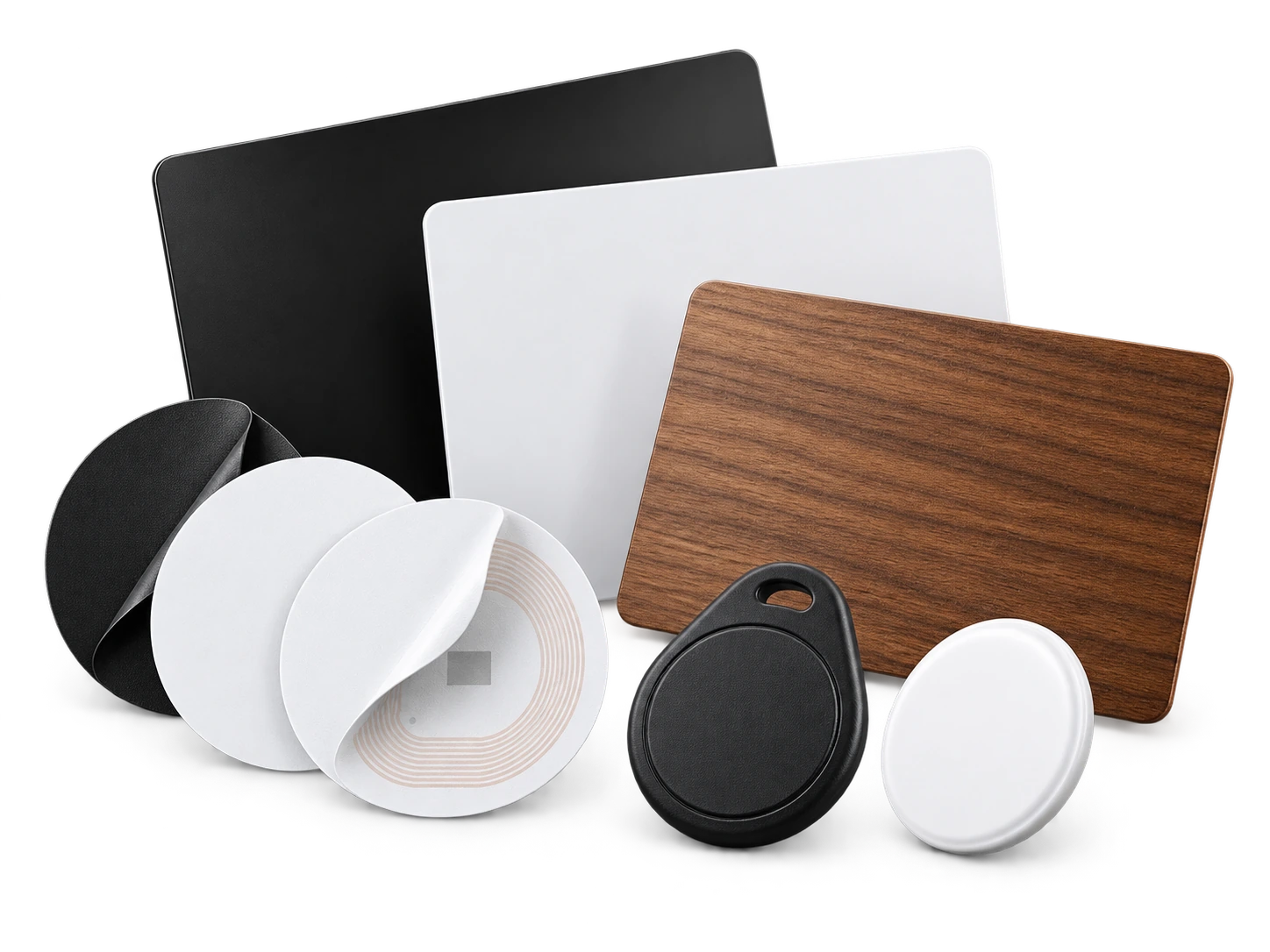
Program an ordinary compatible NFC card or tag with the same permanent smart link. No proprietary My Contact Profile hardware is required.
Google Wallet + Save Contact
At conventions, a Wallet pass gives you a fast share option when printed cards run out, while the live profile still carries the current booking rules and portfolio.
Save Contact provides a vCard from the public details you chose to publish, so the recipient can store your contact without manually typing the fields.
Profile recommendations
Keep the booking method current; outdated booking instructions create unnecessary messages.
Use a portfolio link you control or actively maintain.
Show the studio identity clearly so clients can distinguish similar artist names.
Keep private medical or consent information out of the public profile.
Questions
Yes. It can be useful for repeat contact and referrals, but clinical or client-specific aftercare instructions should still be provided appropriately rather than relying only on a public profile.
Yes. Update the public studio information and links while keeping the same permanent QR and NFC identity.
Ready when you are
Use an ordinary writable NFC card or sticker, program your permanent profile link yourself, and keep the same card when your details change. Bulk blank cards can cost only a few tens of pence each.