Direct phone
Make urgent leak and quotation enquiries easy to start.
Useful when the next enquiry starts outside
Neighbours and property managers often notice roofing work while it is happening. Give them a QR they can scan from signage or a card, then keep your current phone, coverage area and proof of work on the live profile.
Contact priorities
Make urgent leak and quotation enquiries easy to start.
Show the towns, counties or normal travel area for surveys and repairs.
Give cautious customers somewhere to verify the business before they call.
Permanent QR
The QR points to your permanent smart-link identity, so the printed code can stay in place while the live profile changes.
NFC tap
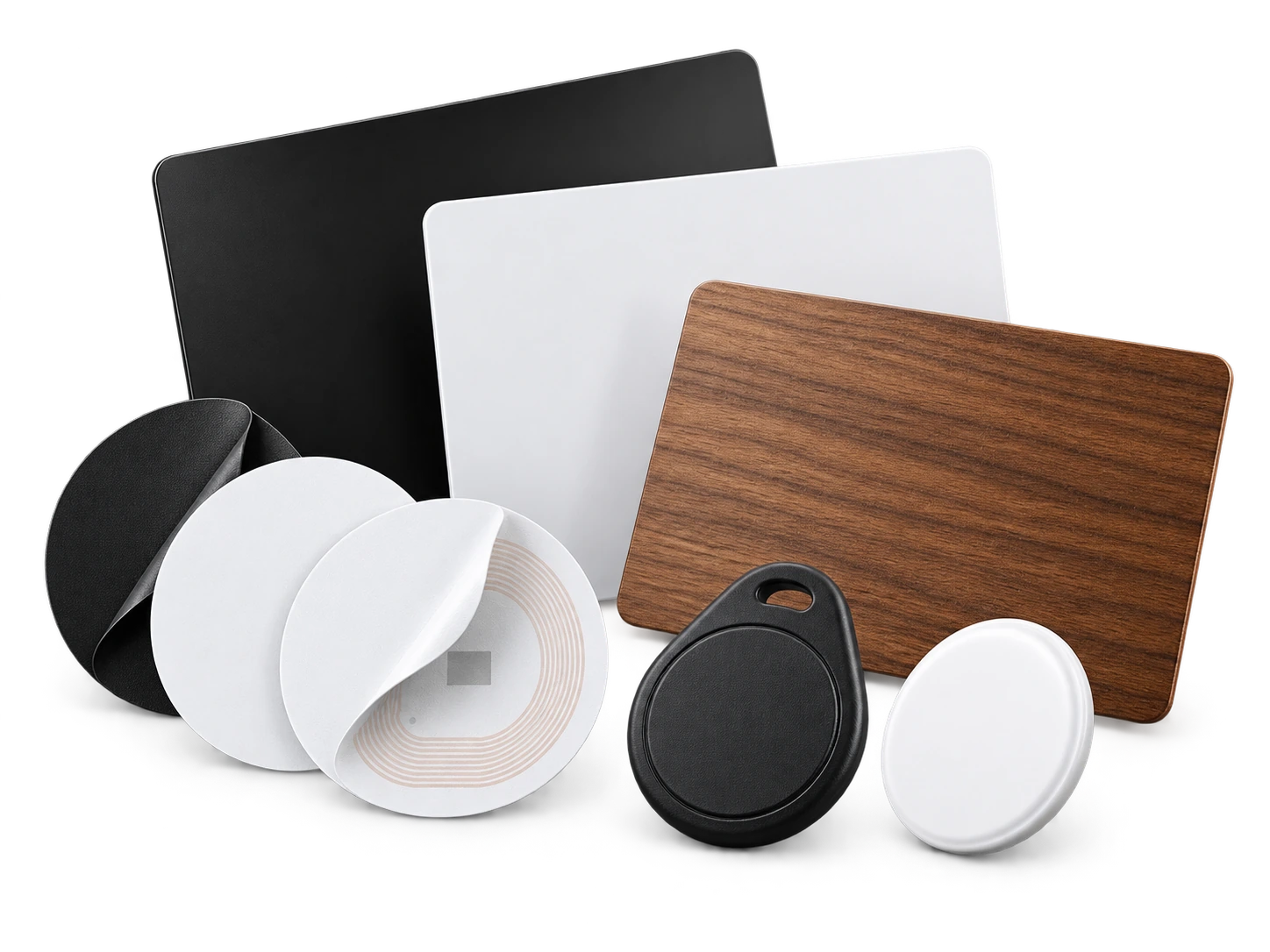
Program an ordinary compatible NFC card or tag with the same permanent smart link. No proprietary My Contact Profile hardware is required.
Google Wallet + Save Contact
A Wallet pass is practical for survey days: open it, show the QR and let the customer save your details before you leave the property.
Save Contact provides a vCard from the public details you chose to publish, so the recipient can store your contact without manually typing the fields.
Profile recommendations
Keep the phone number and service area obvious.
Link to genuine project evidence or reviews rather than crowding the profile with claims.
Mention the main work types you want enquiries for, such as repairs, flat roofs or replacement roofs.
Use recognisable company branding so customers can match the profile to your vehicle and paperwork.
Questions
Yes. They can all use the same permanent smart link for that profile, so one update changes what every existing QR opens.
No. It opens only the public profile and the contact information you deliberately publish there.
Ready when you are
Use an ordinary writable NFC card or sticker, program your permanent profile link yourself, and keep the same card when your details change. Bulk blank cards can cost only a few tens of pence each.