Direct phone
Make follow-up after a viewing or valuation simple.
For viewings, boards, brochures and referrals
Connect your direct phone, email, agency identity and listing or website links in one profile. Use the permanent QR on brochures, viewing material and event stands, or share an NFC card during a property appointment.
Contact priorities
Make follow-up after a viewing or valuation simple.
Show the company or office clients should recognise and verify.
Link to the current place where buyers and sellers can see your active work and services.
Permanent QR
The QR points to your permanent smart-link identity, so the printed code can stay in place while the live profile changes.
NFC tap
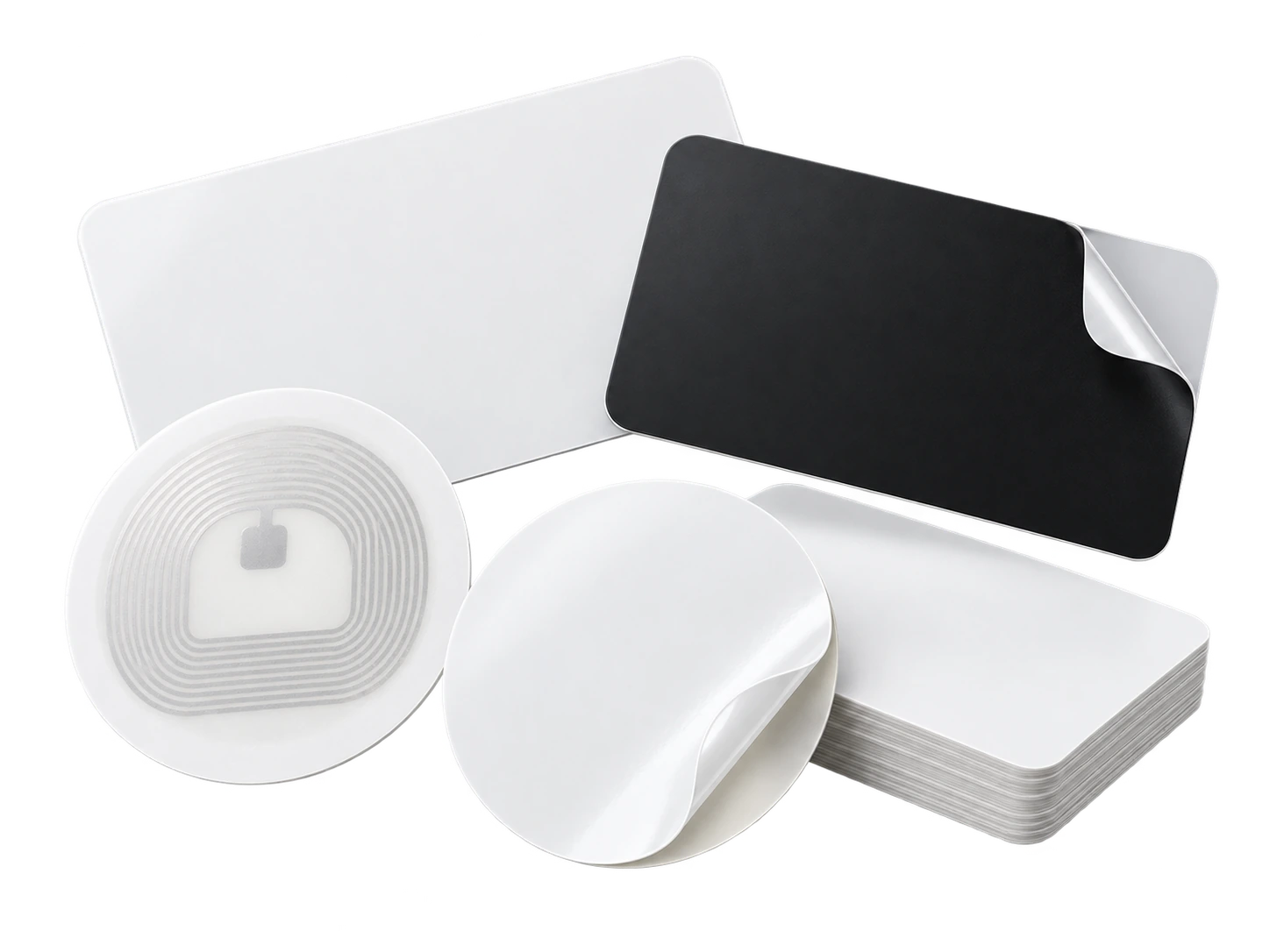
Program an ordinary compatible NFC card or tag with the same permanent smart link. No proprietary My Contact Profile hardware is required.
Google Wallet + Save Contact
Wallet is practical on viewing days because your digital card is always on the phone, while listing links and agency details remain editable on the live profile.
Save Contact provides a vCard from the public details you chose to publish, so the recipient can store your contact without manually typing the fields.
Profile recommendations
Use the correct agency and office identity.
Keep a direct contact route visible rather than forcing every visitor through a generic corporate homepage.
Link to current listings or a maintained professional profile.
Avoid publishing private seller, buyer or property-access information.
Questions
Yes. A permanent profile QR is useful for agent contact, while property-specific information should still point to the correct listing or approved marketing material.
Update the live profile and professional links. The permanent QR can remain the same, subject to your own employment and branding obligations.
Ready when you are
Use an ordinary writable NFC card or sticker, program your permanent profile link yourself, and keep the same card when your details change. Bulk blank cards can cost only a few tens of pence each.