Portfolio first
Send visitors to a curated body of work that matches the type of photography you want to book.
Put the portfolio one scan away
Use one profile for your booking contact, portfolio, social links and company details. Share the permanent QR at events, on packaging or in client galleries, and update the destinations later without replacing the printed code.
Contact priorities
Send visitors to a curated body of work that matches the type of photography you want to book.
Make email, phone or an enquiry page easy to find after the portfolio has done its job.
Add the social account or review source clients genuinely use to assess your work.
Permanent QR
The QR points to your permanent smart-link identity, so the printed code can stay in place while the live profile changes.
NFC tap
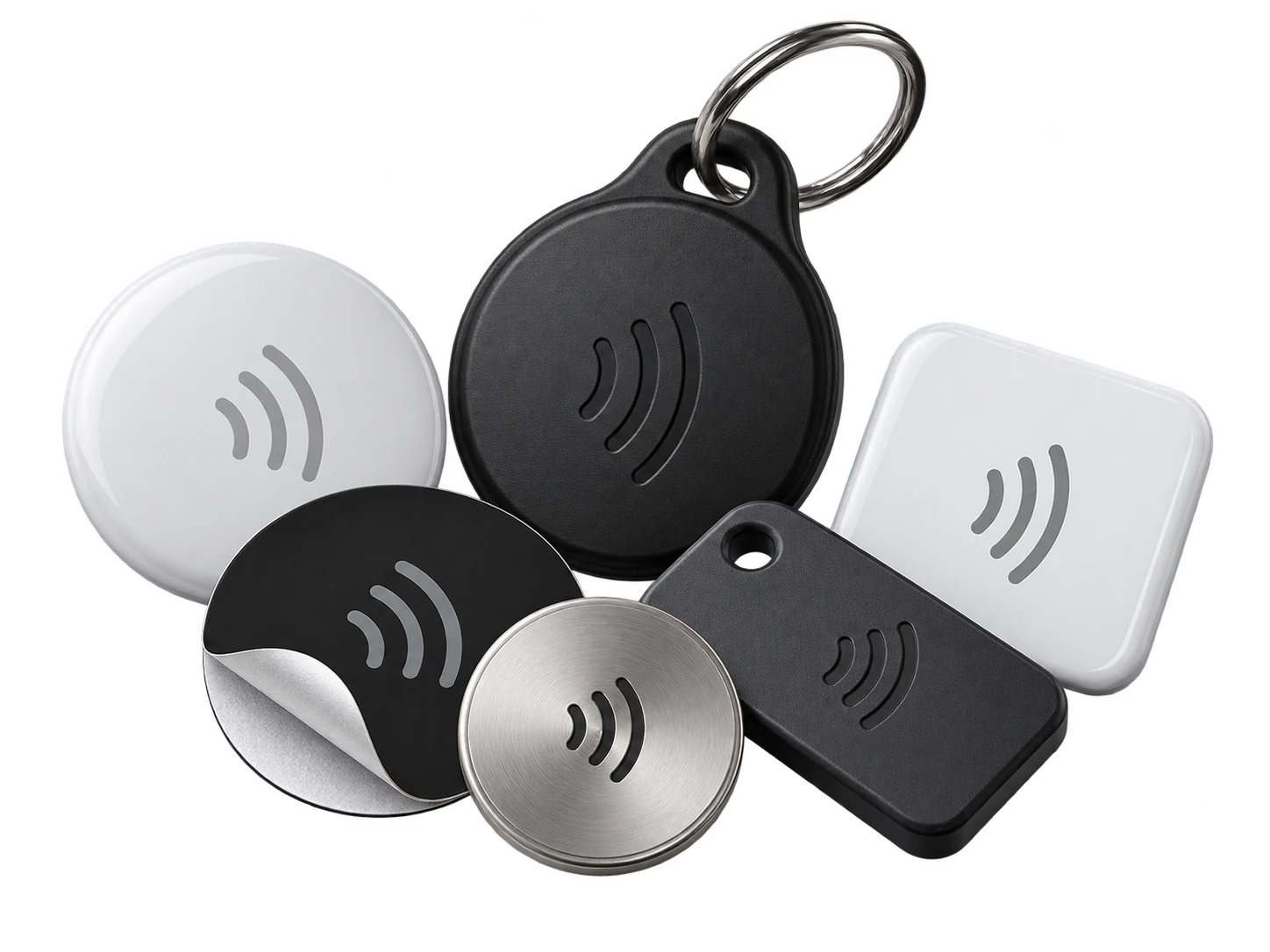
Program an ordinary compatible NFC card or tag with the same permanent smart link. No proprietary My Contact Profile hardware is required.
Google Wallet + Save Contact
The Wallet pass works well at events and networking sessions when you want to show a QR quickly, while the live profile keeps the full portfolio and social links.
Save Contact provides a vCard from the public details you chose to publish, so the recipient can store your contact without manually typing the fields.
Profile recommendations
Lead with one strong portfolio link rather than several abandoned galleries.
Use a profile image or cover that matches your current visual brand.
State the photography niche or booking type clearly.
Keep booking details separate from private client-gallery access.
Questions
Yes. Update the portfolio link in the live profile; your existing permanent QR and NFC links continue to open the current profile.
You can link to services you choose, but private gallery passwords or client-only access details should stay in private communications.
Ready when you are
Use an ordinary writable NFC card or sticker, program your permanent profile link yourself, and keep the same card when your details change. Bulk blank cards can cost only a few tens of pence each.