Booking contact
Use the phone, WhatsApp or email you actually use to arrange visits.
Keep repeat bookings one tap away
A live contact profile can hold your booking number, service area and business links without forcing clients to search old messages. Share it on a small card, an NFC tag or a QR on invoices and cleaning checklists.
Contact priorities
Use the phone, WhatsApp or email you actually use to arrange visits.
Tell people where regular domestic or commercial work is available.
Add a booking page, website or reviews page when it helps a new client decide.
Permanent QR
The QR points to your permanent smart-link identity, so the printed code can stay in place while the live profile changes.
NFC tap
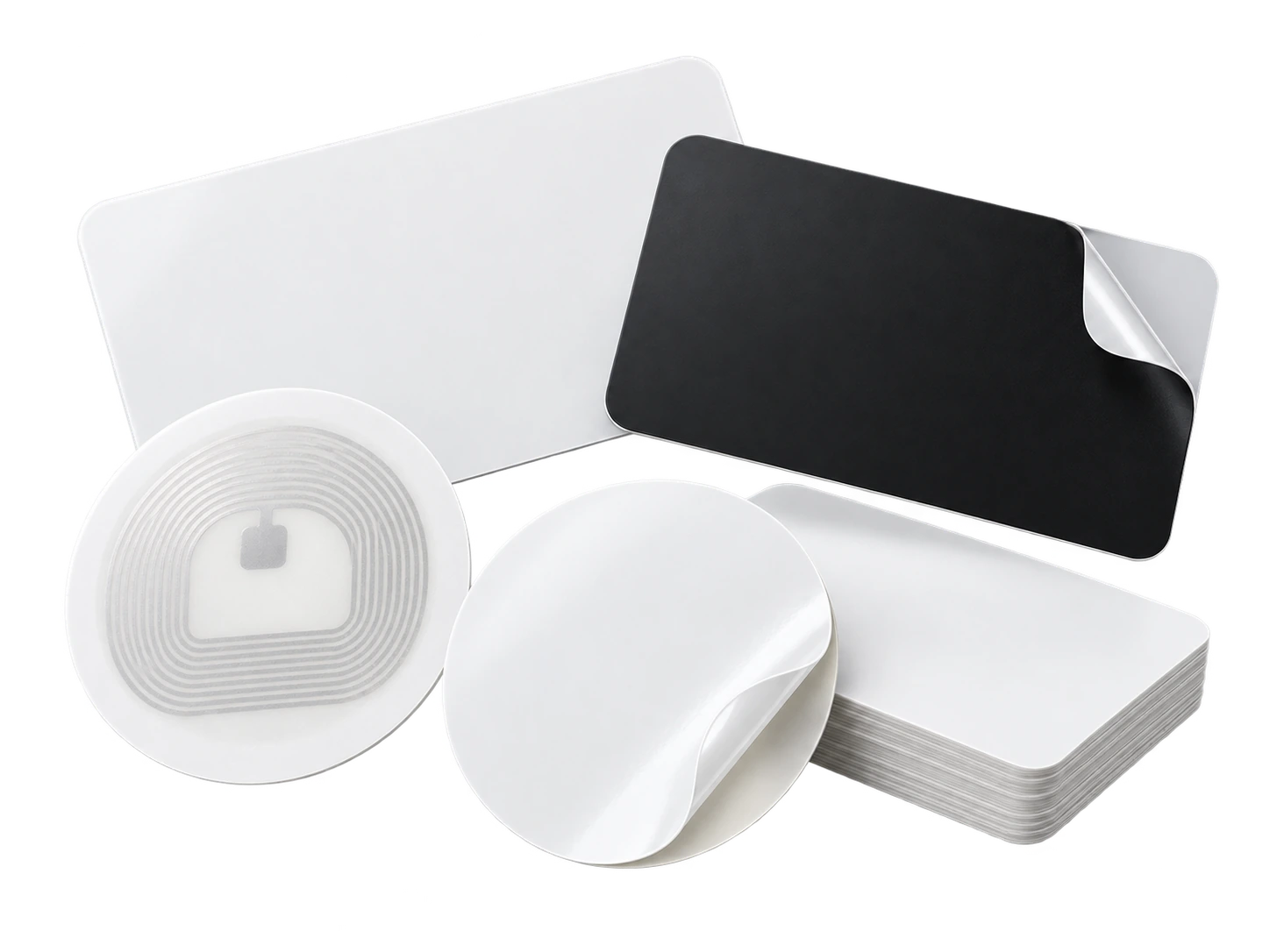
Program an ordinary compatible NFC card or tag with the same permanent smart link. No proprietary My Contact Profile hardware is required.
Google Wallet + Save Contact
For cleaners moving between properties, the Wallet pass keeps the same contact card available even when there is no printed card to hand.
Save Contact provides a vCard from the public details you chose to publish, so the recipient can store your contact without manually typing the fields.
Profile recommendations
State the type of cleaning you want enquiries for.
Use a clear service area and booking contact.
Link to reviews or a booking page if they are actively maintained.
Do not publish access instructions, alarm information or other property-security details.
Questions
Yes, if the public information is useful to both. If the services or brands are very different, a multi-profile plan can keep them separate.
No. Keep keys, alarm codes and access instructions in private customer communications, not on a public contact profile.
Ready when you are
Use an ordinary writable NFC card or sticker, program your permanent profile link yourself, and keep the same card when your details change. Bulk blank cards can cost only a few tens of pence each.