Phone or email
Make it simple to ask for a quotation, site visit or availability.
Turn finished work into the next referral
Give homeowners, builders and designers one place to save your number and open your portfolio. A permanent QR can stay on quotes, workshop cards or project handover packs while the profile itself keeps changing with your work.
Contact priorities
Make it simple to ask for a quotation, site visit or availability.
Link to finished kitchens, fitted furniture, joinery or other work that shows the standard you deliver.
Tell visitors where you normally work so referrals do not start with avoidable back-and-forth.
Permanent QR
The QR points to your permanent smart-link identity, so the printed code can stay in place while the live profile changes.
NFC tap
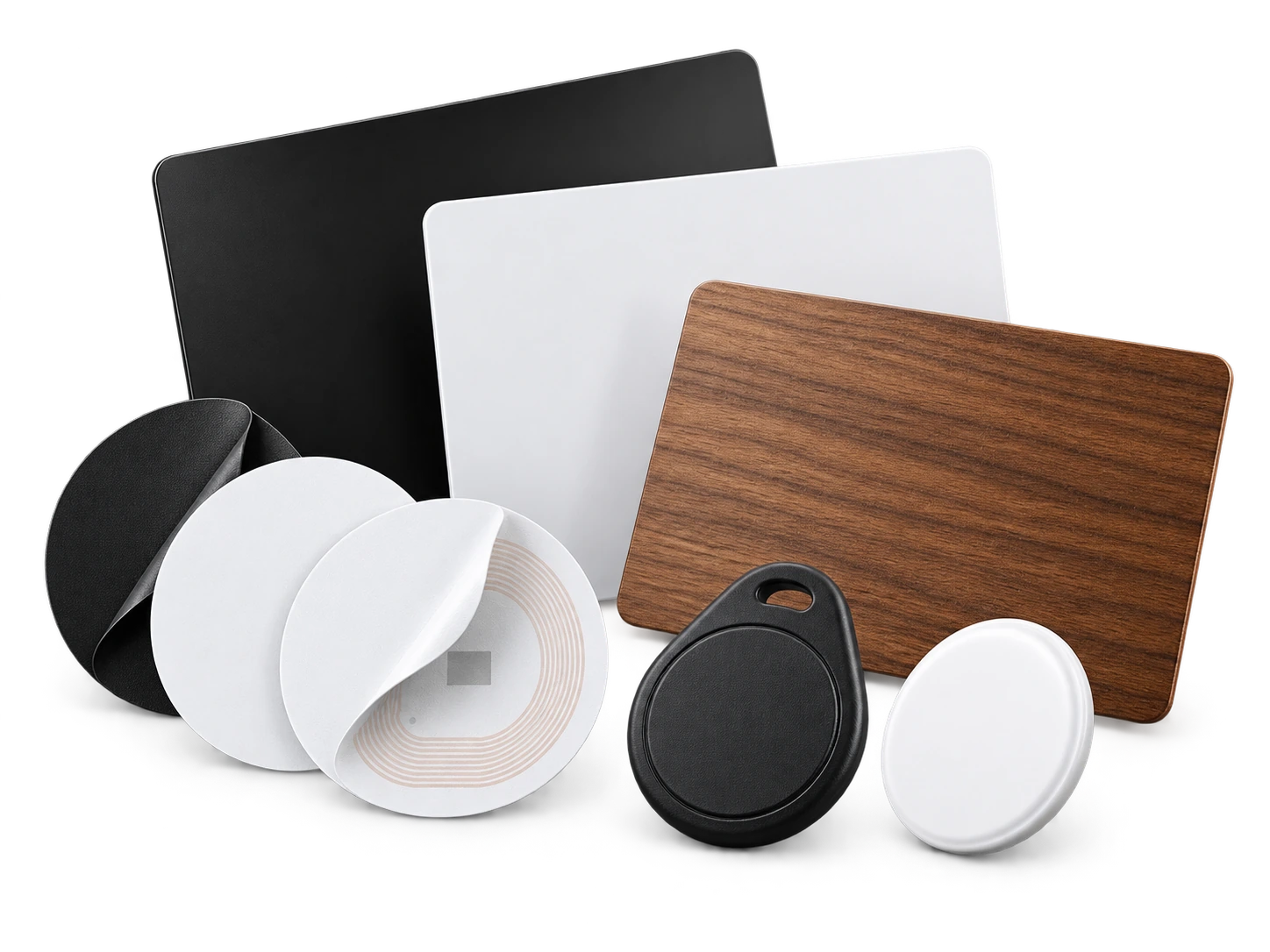
Program an ordinary compatible NFC card or tag with the same permanent smart link. No proprietary My Contact Profile hardware is required.
Google Wallet + Save Contact
A Wallet pass is useful at design meetings and trade events when you want your contact profile and portfolio link ready without carrying printed material.
Save Contact provides a vCard from the public details you chose to publish, so the recipient can store your contact without manually typing the fields.
Profile recommendations
Use photos or a strong cover image that reflects the kind of work you want more of.
Name your specialist work clearly instead of listing every possible carpentry task.
Add a portfolio or social link that is kept current.
Keep the contact method for quotes obvious and easy to save.
Questions
Yes. Add professional links to the services you actually use, and keep the main phone or email visible for people who want a quote immediately.
Yes. The permanent QR stays fixed while the live profile and its links can be updated.
Ready when you are
Use an ordinary writable NFC card or sticker, program your permanent profile link yourself, and keep the same card when your details change. Bulk blank cards can cost only a few tens of pence each.