Booking link
Put the appointment system customers actually use one tap away.
Booking, socials and shop contact in one place
Put your booking link, shop location, phone and social portfolio behind one profile. Customers can scan a QR at the chair or window, tap an NFC card at reception and save your details for the next appointment.
Contact priorities
Put the appointment system customers actually use one tap away.
Make it easy to find the chair or shop again after a social referral.
Show current cuts and style work where clients already expect to see it.
Permanent QR
The QR points to your permanent smart-link identity, so the printed code can stay in place while the live profile changes.
NFC tap
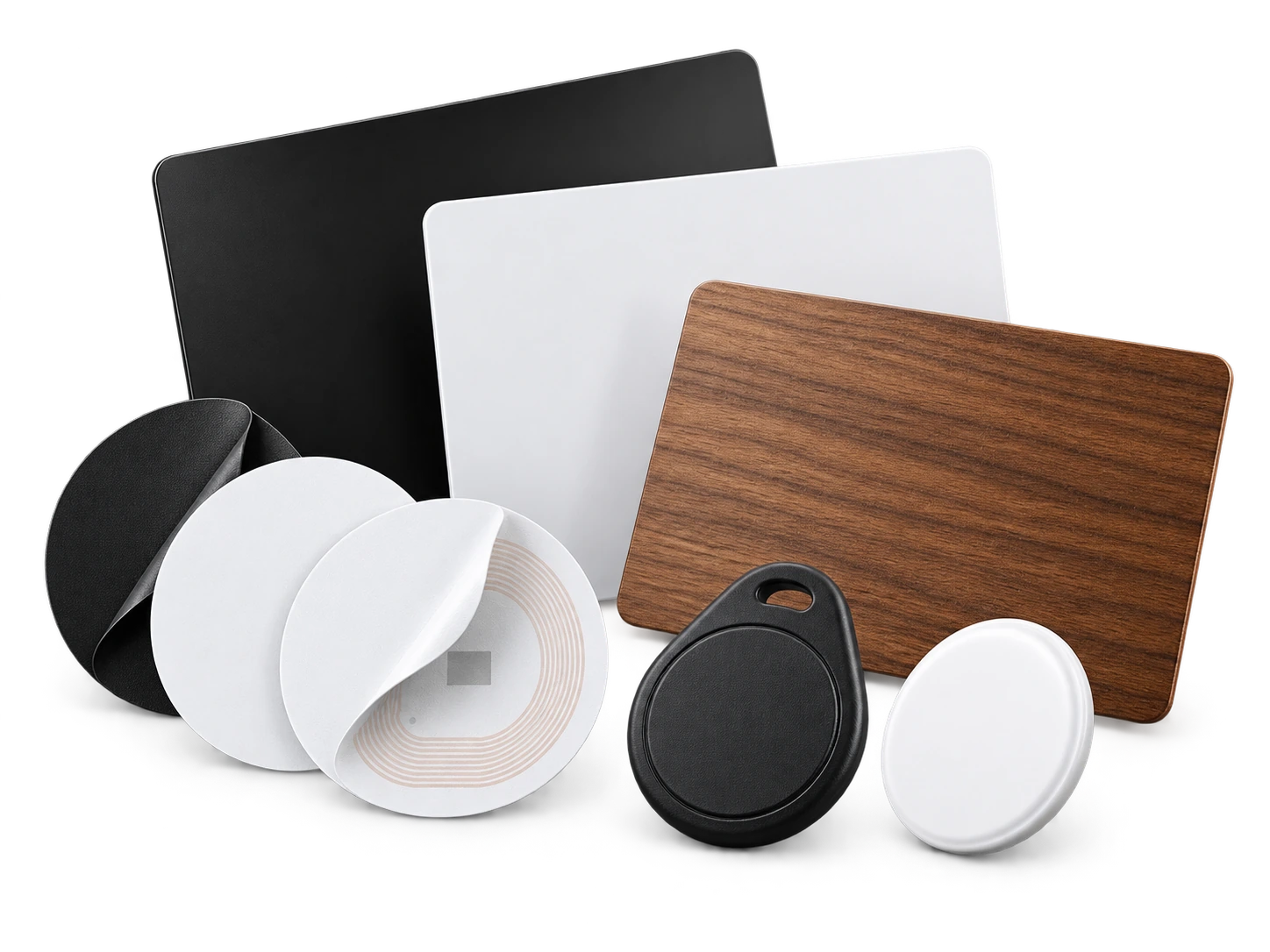
Program an ordinary compatible NFC card or tag with the same permanent smart link. No proprietary My Contact Profile hardware is required.
Google Wallet + Save Contact
Wallet gives mobile and event barbers a ready-to-show digital card, while shop-based barbers can use QR and NFC around the physical booking journey.
Save Contact provides a vCard from the public details you chose to publish, so the recipient can store your contact without manually typing the fields.
Profile recommendations
Lead with the booking link if appointments are your main conversion.
Keep the shop location and professional phone accurate.
Use one strong visual social link rather than several inactive accounts.
If you move shops, update the live profile instead of reprinting every QR card.
Questions
Yes. A mirror station or reception area is a practical place because clients can scan while waiting or before they leave.
Yes. Update the booking link in the live profile; the same permanent QR and NFC card continue to work.
Ready when you are
Use an ordinary writable NFC card or sticker, program your permanent profile link yourself, and keep the same card when your details change. Bulk blank cards can cost only a few tens of pence each.