Booking phone
Give customers the number or link they should use for servicing, repairs and availability.
Useful at the workshop, roadside and after the repair
Keep your garage name, booking phone, location and useful links in one live profile. Put the QR on invoices, service reminders or reception signage and use an NFC card when talking to customers in person.
Contact priorities
Give customers the number or link they should use for servicing, repairs and availability.
Make the workshop easy to find, especially when the trading name differs from the site name.
Link to opening information, booking, MOT details or specialist services when relevant.
Permanent QR
The QR points to your permanent smart-link identity, so the printed code can stay in place while the live profile changes.
NFC tap
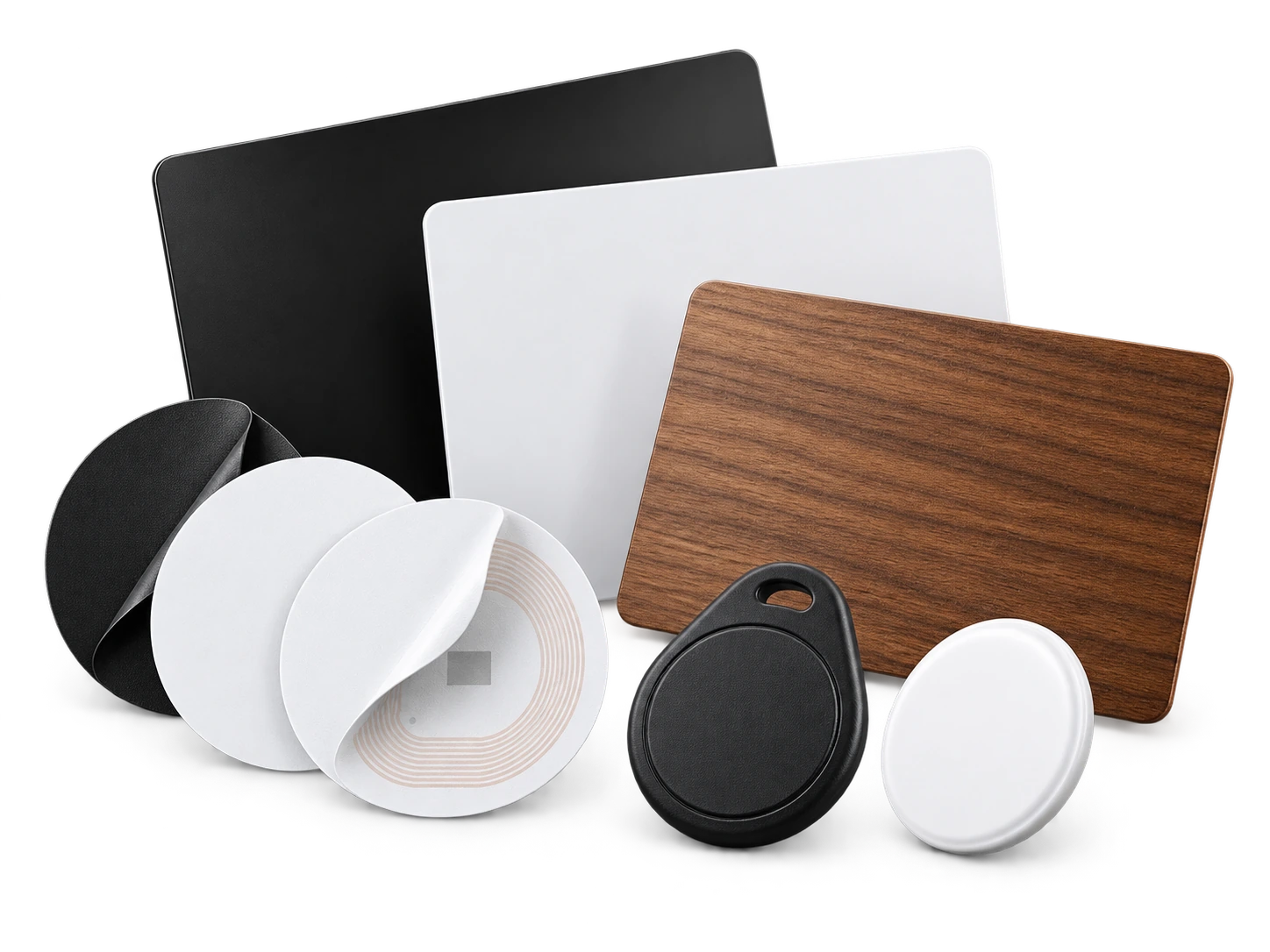
Program an ordinary compatible NFC card or tag with the same permanent smart link. No proprietary My Contact Profile hardware is required.
Google Wallet + Save Contact
For mobile mechanics and busy workshop staff, Wallet keeps the same shareable contact card ready without searching for a paper card between jobs.
Save Contact provides a vCard from the public details you chose to publish, so the recipient can store your contact without manually typing the fields.
Profile recommendations
Keep opening or booking links current.
Use the trading name and public workshop location customers see on invoices.
List specialist services only when you actually offer them.
Do not put vehicle-specific customer data or repair records on a public profile.
Questions
Yes. It is a practical way for customers to reopen your current contact details when the next service or repair is due.
Yes. Use a service area or location description that fits the business rather than publishing a private home address.
Ready when you are
Use an ordinary writable NFC card or sticker, program your permanent profile link yourself, and keep the same card when your details change. Bulk blank cards can cost only a few tens of pence each.