Portfolio
Lead with the work that matches the kind of bookings you want next.
For bridal, editorial, event and freelance bookings
Clients often discover makeup artists through images and referrals. Keep your portfolio, enquiry details and travel area together, then share the profile from bridal fairs, shoots, consultation cards or an NFC card.
Contact priorities
Lead with the work that matches the kind of bookings you want next.
Use email, form or phone details suited to dates, locations and event requirements.
Explain whether you work from a studio, travel locally or take destination bookings.
Permanent QR
The QR points to your permanent smart-link identity, so the printed code can stay in place while the live profile changes.
NFC tap
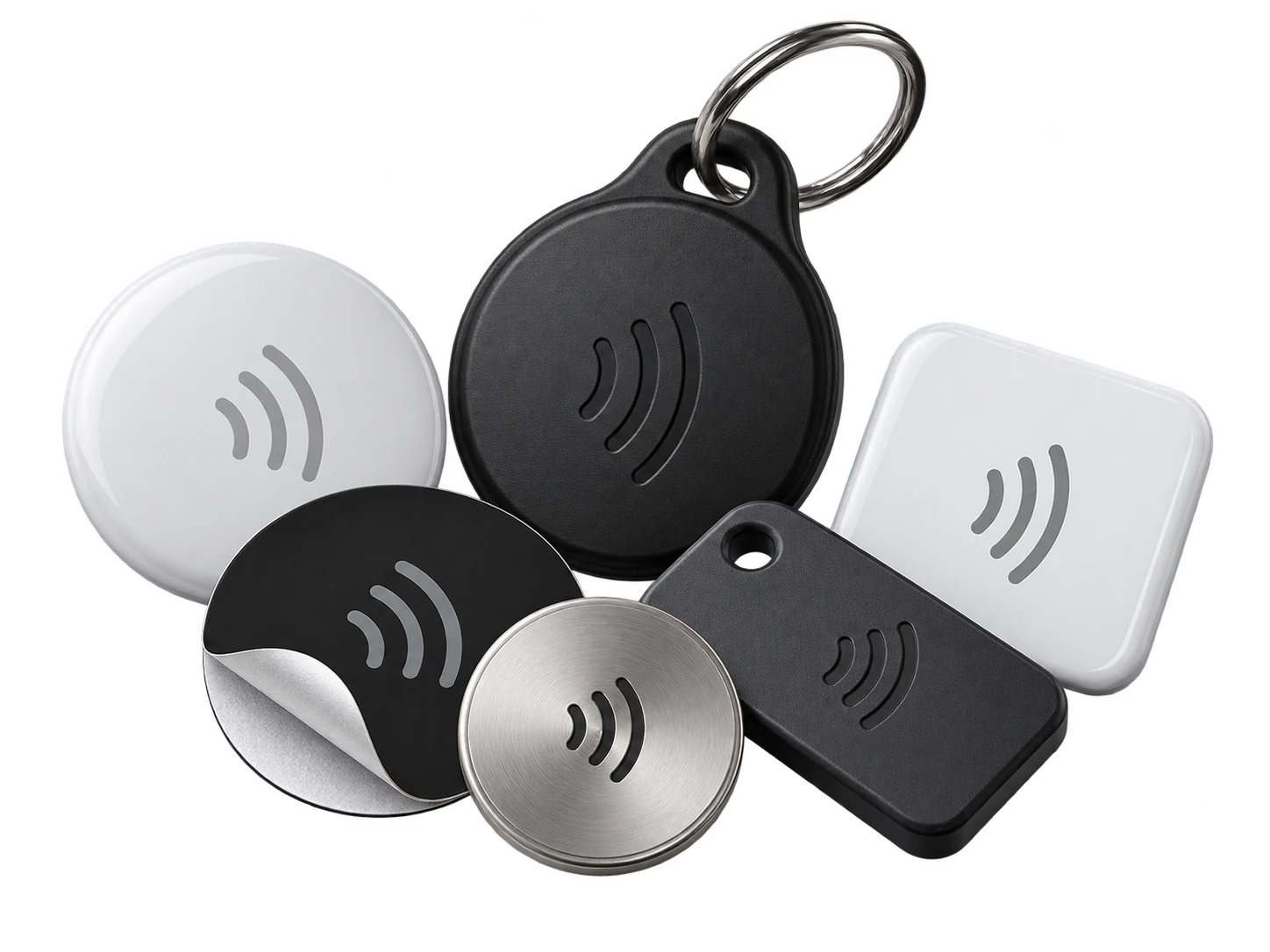
Program an ordinary compatible NFC card or tag with the same permanent smart link. No proprietary My Contact Profile hardware is required.
Google Wallet + Save Contact
Wallet is a useful backup at events and shoots: your QR and contact details are ready even if you left the printed portfolio at home.
Save Contact provides a vCard from the public details you chose to publish, so the recipient can store your contact without manually typing the fields.
Profile recommendations
Keep the portfolio representative of current work and hygiene-safe presentation.
State the booking area and type of work you accept.
Use professional links that help a client assess availability and style.
Do not publish private client details or unreleased editorial material without permission.
Questions
Yes, if one portfolio and contact route makes sense. If the audiences need very different branding, separate profiles can keep them distinct.
Yes. The public profile is a general professional contact surface, so photographers, planners and clients can all use the same permanent link.
Ready when you are
Use an ordinary writable NFC card or sticker, program your permanent profile link yourself, and keep the same card when your details change. Bulk blank cards can cost only a few tens of pence each.