Instrument and level
Tell learners which instruments and experience levels you teach.
For lessons, studios, schools and local music networks
Keep your instruments, lesson format, studio or service area and enquiry details in one live profile. Share it on recital programmes, studio cards or an NFC card and update the information as your timetable changes.
Contact priorities
Tell learners which instruments and experience levels you teach.
Explain whether lessons are in a studio, at home, in schools or online.
Give parents or adult learners a professional route for availability and lesson questions.
Permanent QR
The QR points to your permanent smart-link identity, so the printed code can stay in place while the live profile changes.
NFC tap
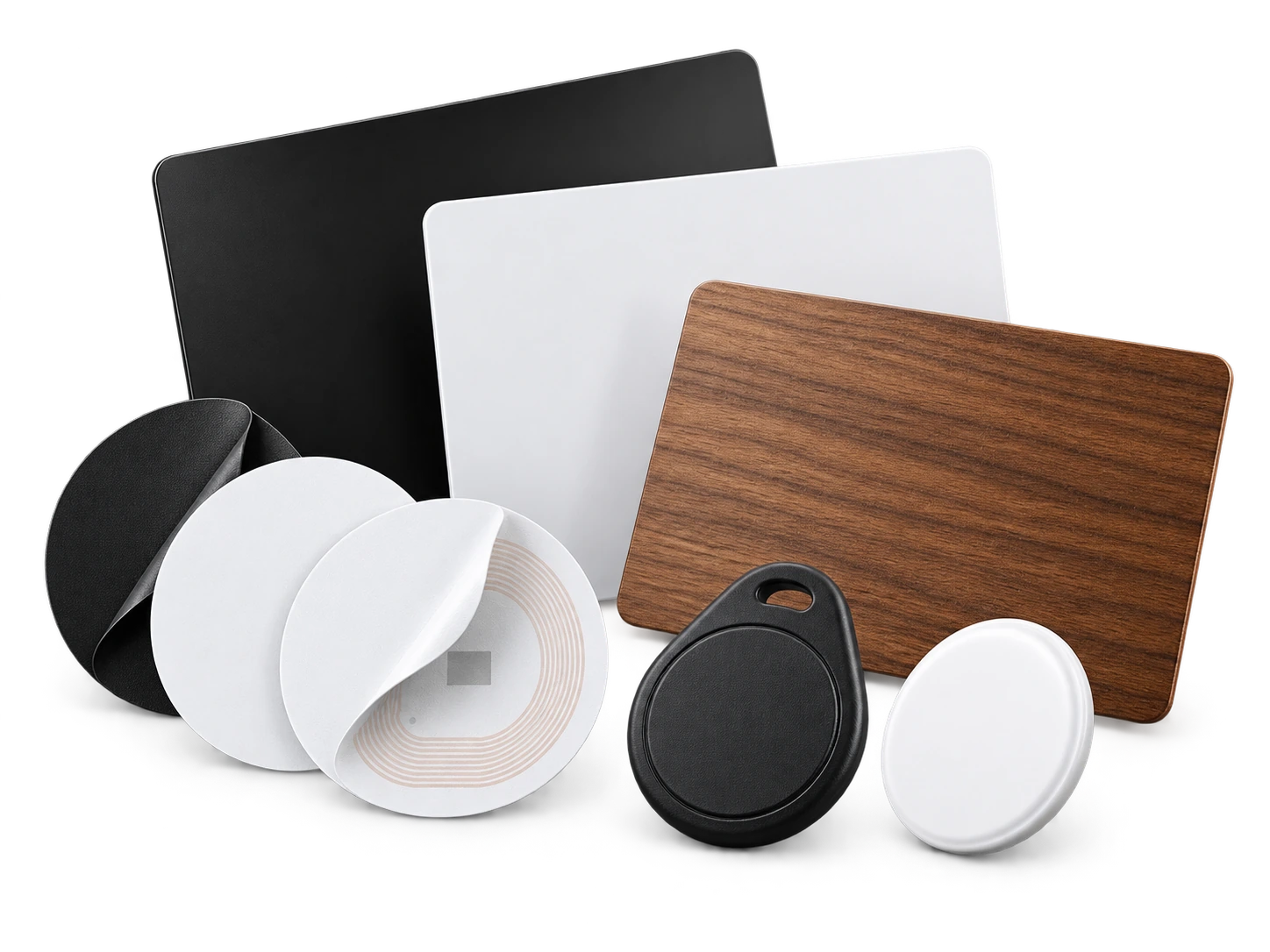
Program an ordinary compatible NFC card or tag with the same permanent smart link. No proprietary My Contact Profile hardware is required.
Google Wallet + Save Contact
A Wallet pass is useful at recitals and community events where you may meet prospective learners but do not want to carry printed cards.
Save Contact provides a vCard from the public details you chose to publish, so the recipient can store your contact without manually typing the fields.
Profile recommendations
Name the instruments and learner levels you actually teach.
Keep lesson location and availability wording current.
Link to public performance or studio information only when it helps prospective learners.
Keep child and student personal information off the public profile.
Questions
Yes. It gives interested families or adult learners a direct route to your current public lesson information after the event.
Yes. The live profile can change while the permanent QR and NFC smart link remain the same.
Ready when you are
Use an ordinary writable NFC card or sticker, program your permanent profile link yourself, and keep the same card when your details change. Bulk blank cards can cost only a few tens of pence each.