Subject and level
Make it clear what you teach and the learner level you normally support.
For parents, learners, schools and referrals
Tutoring enquiries often start through referrals. A public profile can explain what you teach, whether lessons are online or local, and how to enquire without exposing student information or private lesson records.
Contact priorities
Make it clear what you teach and the learner level you normally support.
Explain whether lessons are online, in person or available within a local area.
Use a professional email, phone or booking form for new learner enquiries.
Permanent QR
The QR points to your permanent smart-link identity, so the printed code can stay in place while the live profile changes.
NFC tap
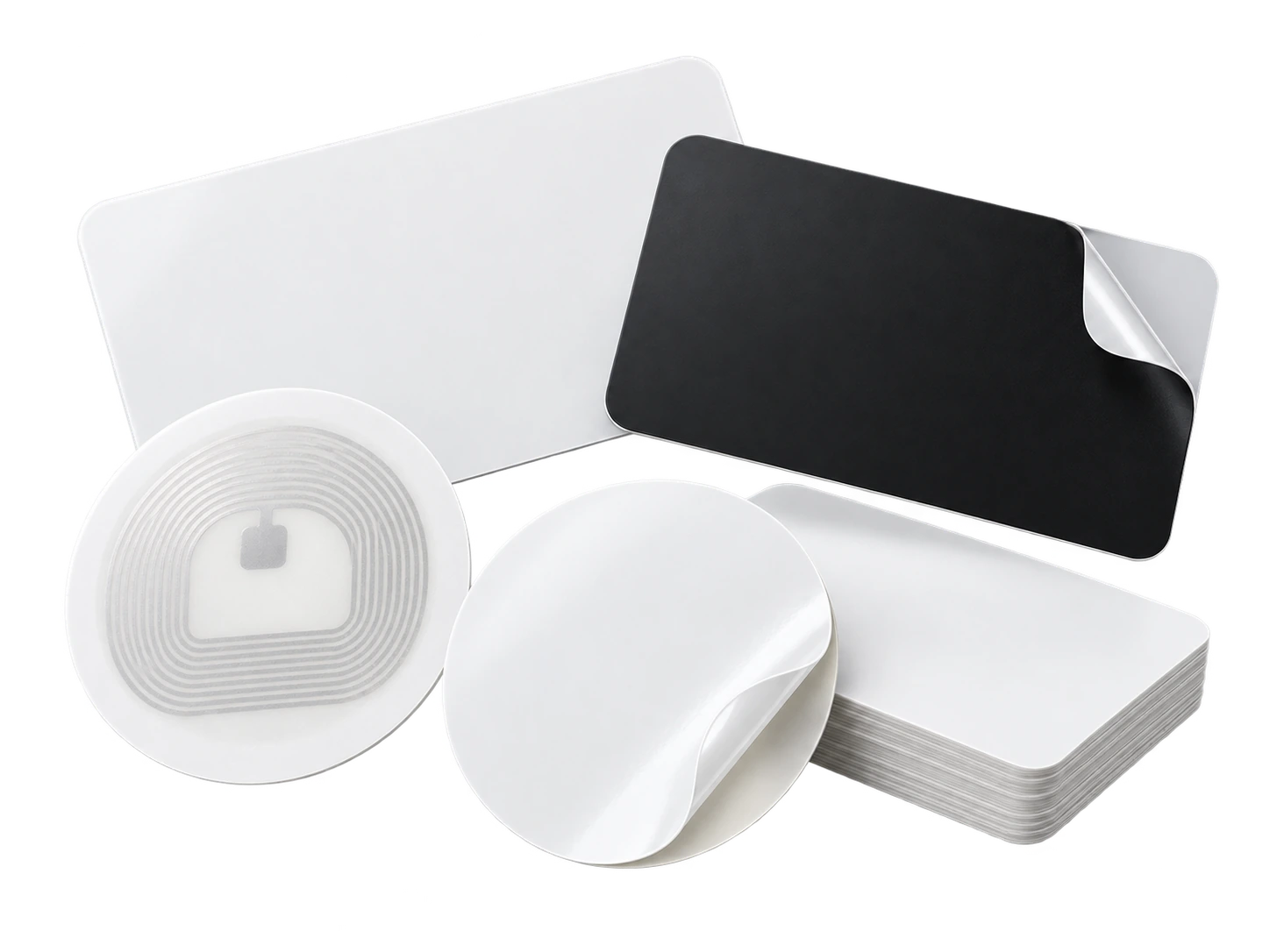
Program an ordinary compatible NFC card or tag with the same permanent smart link. No proprietary My Contact Profile hardware is required.
Google Wallet + Save Contact
Wallet gives tutors a simple digital card for events and consultations, while subject details and booking links stay editable on the profile.
Save Contact provides a vCard from the public details you chose to publish, so the recipient can store your contact without manually typing the fields.
Profile recommendations
State subject, level and lesson format clearly.
Keep student names, grades and private learning information off the public profile.
Use professional contact details for enquiries.
Link to a maintained booking or information page if you have one.
Questions
Yes, but keep the list focused enough that a parent or learner can quickly tell whether you are relevant to their needs.
Do not publish identifiable student information without an appropriate lawful basis and permission. The contact profile works without using private learner data.
Ready when you are
Use an ordinary writable NFC card or sticker, program your permanent profile link yourself, and keep the same card when your details change. Bulk blank cards can cost only a few tens of pence each.