Booking contact
Make the phone, text or enquiry route for lesson availability clear.
For learners, parents and local referrals
A live profile can show your booking contact, lesson area, driving-school identity and useful links. Share it from the training car, a referral card or an NFC card without making learners copy a phone number manually.
Contact priorities
Make the phone, text or enquiry route for lesson availability clear.
Show the towns or test-centre area you cover.
Link to the official website or booking information learners should trust.
Permanent QR
The QR points to your permanent smart-link identity, so the printed code can stay in place while the live profile changes.
NFC tap
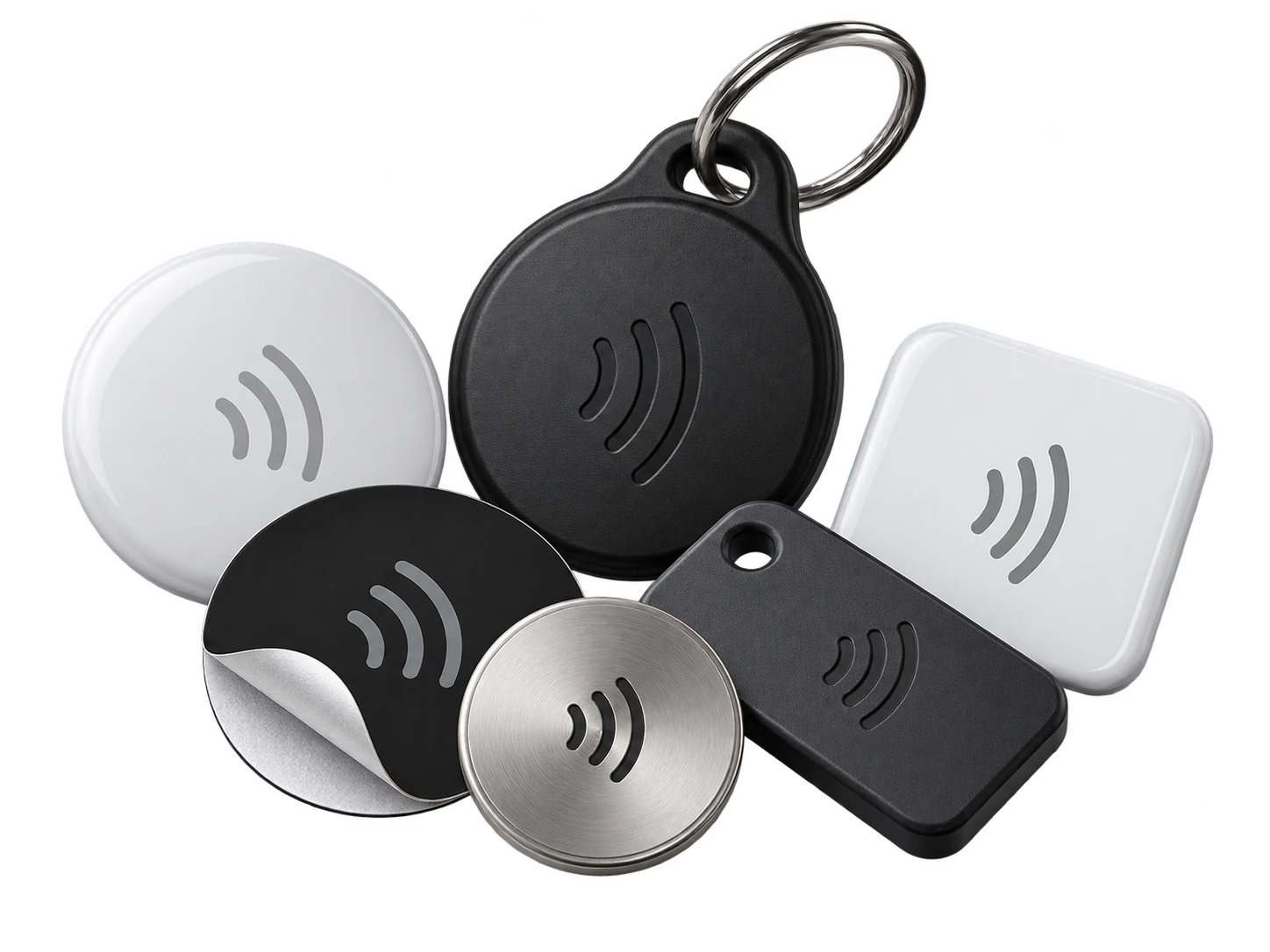
Program an ordinary compatible NFC card or tag with the same permanent smart link. No proprietary My Contact Profile hardware is required.
Google Wallet + Save Contact
The Wallet pass keeps your booking QR available when speaking with learners or parents, while the profile can be updated if your area or booking system changes.
Save Contact provides a vCard from the public details you chose to publish, so the recipient can store your contact without manually typing the fields.
Profile recommendations
Keep the lesson area and booking route current.
Use the driving-school name learners will see on the car and paperwork.
Do not publish learner names, test dates or private lesson records.
Link to official booking or information pages rather than copying changing policy text.
Questions
Yes, if it is placed safely and complies with your local vehicle-signage rules. Test readability while the car is parked; it is not intended to be scanned by someone driving.
Yes. Update the live profile and keep the same permanent QR or NFC card.
Ready when you are
Use an ordinary writable NFC card or sticker, program your permanent profile link yourself, and keep the same card when your details change. Bulk blank cards can cost only a few tens of pence each.