Booking route
Make the next action obvious: book a consultation, message you or send an enquiry.
Turn gym-floor introductions into an easy next step
Keep your booking route, training location, phone and professional social links in one live profile. Share it with a QR in the gym, an NFC card after a consultation or a normal link in messages.
Contact priorities
Make the next action obvious: book a consultation, message you or send an enquiry.
Explain whether you work in a gym, outdoors, remotely or across a defined local area.
Link to the channel where you share training information or client-safe examples of your work.
Permanent QR
The QR points to your permanent smart-link identity, so the printed code can stay in place while the live profile changes.
NFC tap
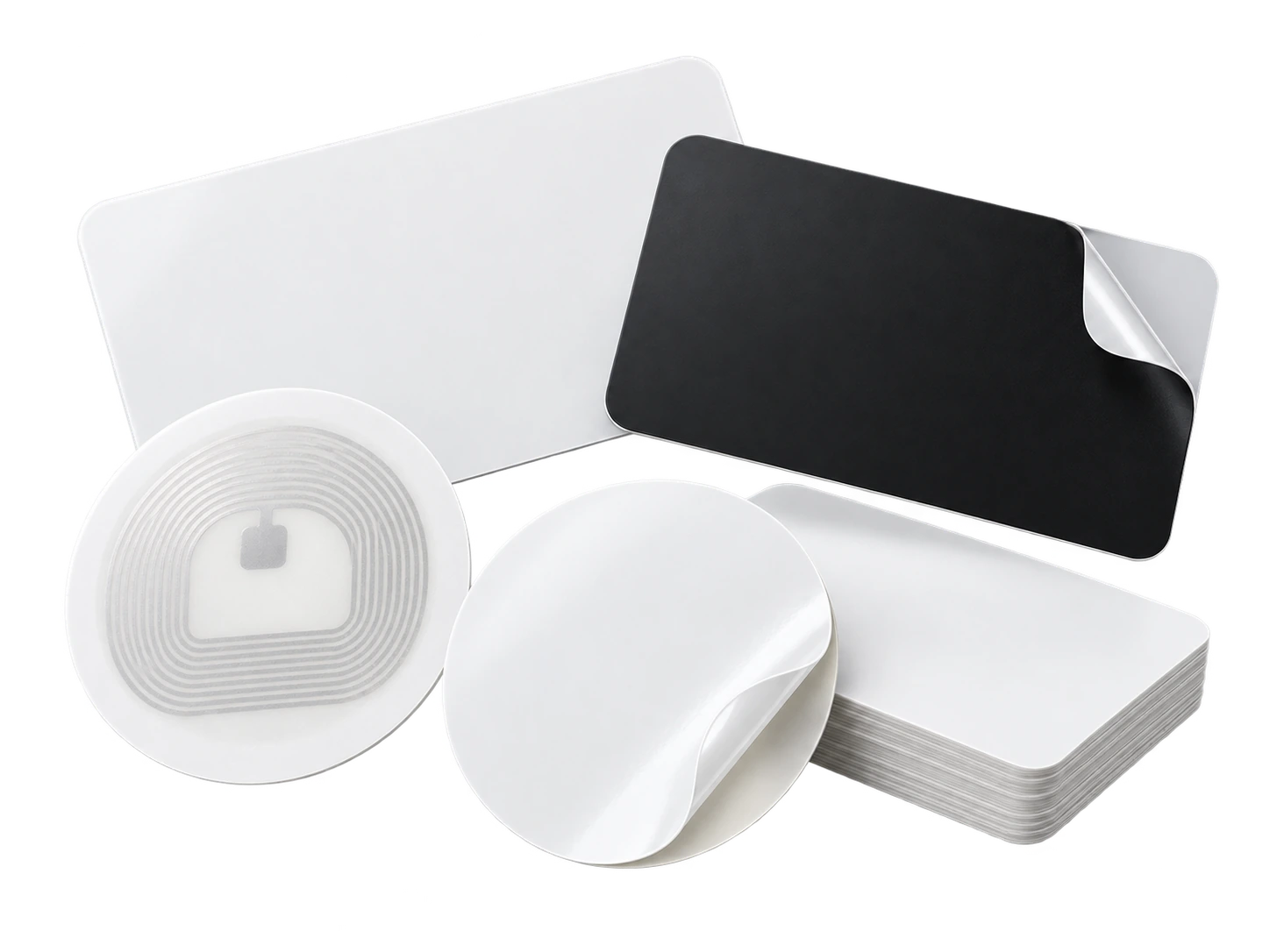
Program an ordinary compatible NFC card or tag with the same permanent smart link. No proprietary My Contact Profile hardware is required.
Google Wallet + Save Contact
A Wallet pass is useful when meeting people in the gym or at events because your QR and booking contact are ready without interrupting the conversation to type details.
Save Contact provides a vCard from the public details you chose to publish, so the recipient can store your contact without manually typing the fields.
Profile recommendations
Keep public claims accurate and avoid presenting the profile as medical advice.
Show the training location or area clearly.
Use one booking route that you reliably maintain.
Keep social links professional and relevant to the service you offer.
Questions
Yes. Add the booking page as your website or professional link so a potential client can move directly from the profile to an available session.
No. The public profile is about your professional identity and contact details, not client health records or private programme information.
Ready when you are
Use an ordinary writable NFC card or sticker, program your permanent profile link yourself, and keep the same card when your details change. Bulk blank cards can cost only a few tens of pence each.