Portfolio
Use a focused portfolio that reflects the clients and disciplines you want next.
Keep your visual identity and contact route together
Use a clean live profile to connect your name, studio, portfolio and best contact route. Share it on printed leave-behinds, presentation decks, packaging or an NFC card without freezing your current portfolio forever.
Contact priorities
Use a focused portfolio that reflects the clients and disciplines you want next.
Give potential clients a clear way to send a brief after browsing your work.
Show the business identity and one or two relevant networks without turning the card into a directory.
Permanent QR
The QR points to your permanent smart-link identity, so the printed code can stay in place while the live profile changes.
NFC tap
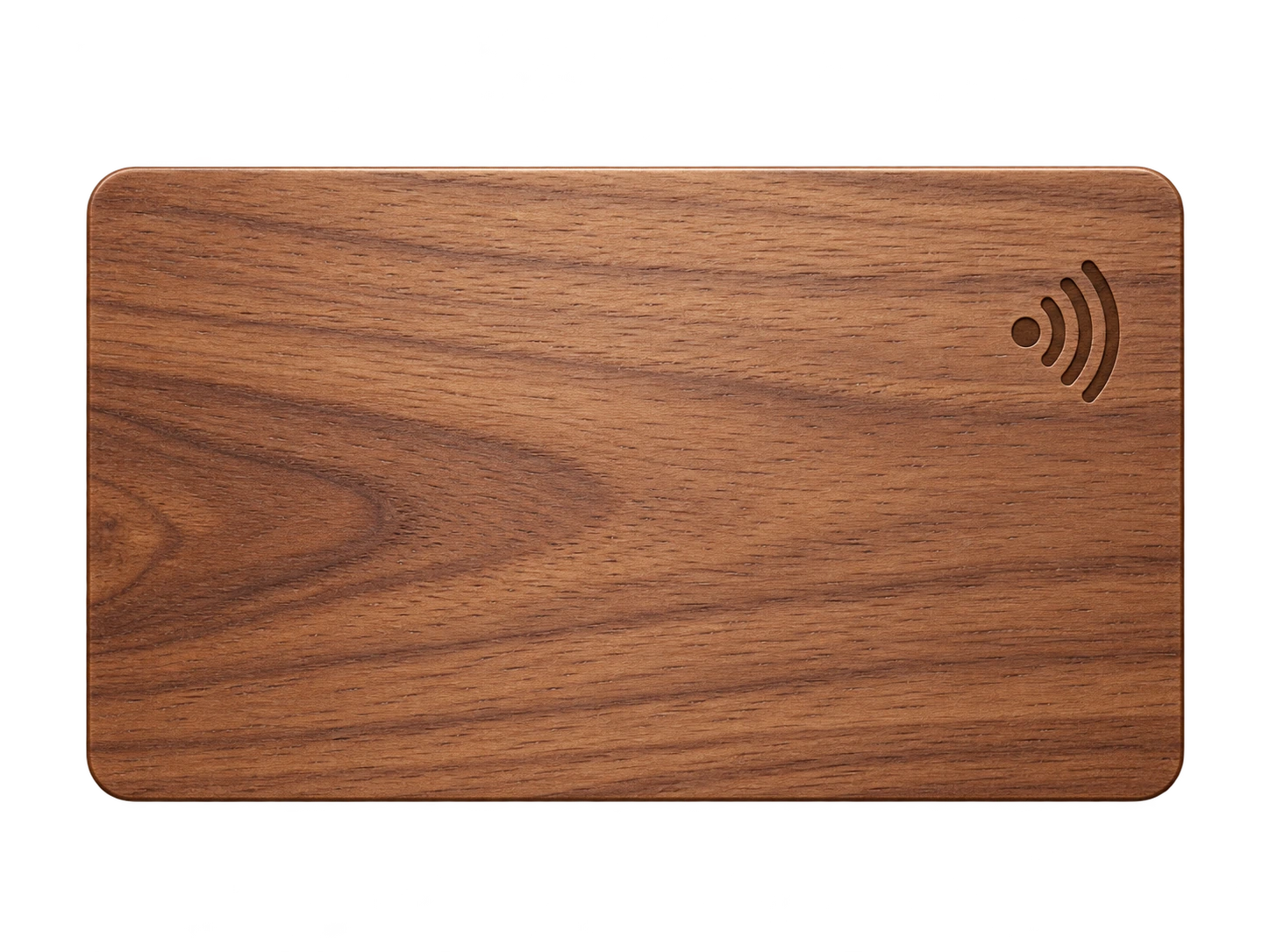
Program an ordinary compatible NFC card or tag with the same permanent smart link. No proprietary My Contact Profile hardware is required.
Google Wallet + Save Contact
The Wallet pass gives you a minimal share surface for networking; the richer portfolio remains on the profile and can change as your work evolves.
Save Contact provides a vCard from the public details you chose to publish, so the recipient can store your contact without manually typing the fields.
Profile recommendations
Use a profile and cover image that align with your current brand system.
Link to a curated portfolio rather than every social account.
State your core design services in plain language.
Keep the contact route for project enquiries prominent.
Questions
Yes. The profile templates and palette controls let you make the public card fit your identity while keeping the sharing tools consistent.
Yes. Update the profile link or portfolio destination; the permanent QR does not need to change.
Ready when you are
Use an ordinary writable NFC card or sticker, program your permanent profile link yourself, and keep the same card when your details change. Bulk blank cards can cost only a few tens of pence each.