Phone and availability
Keep the best number for call-outs, quotations and follow-up work at the top of the profile.
For call-outs, quotations and repeat customers
A live profile can hold your direct contact details, company, coverage area and useful links without squeezing everything onto a printed card. Share it from a van QR, an NFC card or a normal link after a survey.
Contact priorities
Keep the best number for call-outs, quotations and follow-up work at the top of the profile.
Show the area you serve and the company or trading name customers will recognise on paperwork.
Send people to certification, service information, quote forms or project galleries when more context is needed.
Permanent QR
The QR points to your permanent smart-link identity, so the printed code can stay in place while the live profile changes.
NFC tap
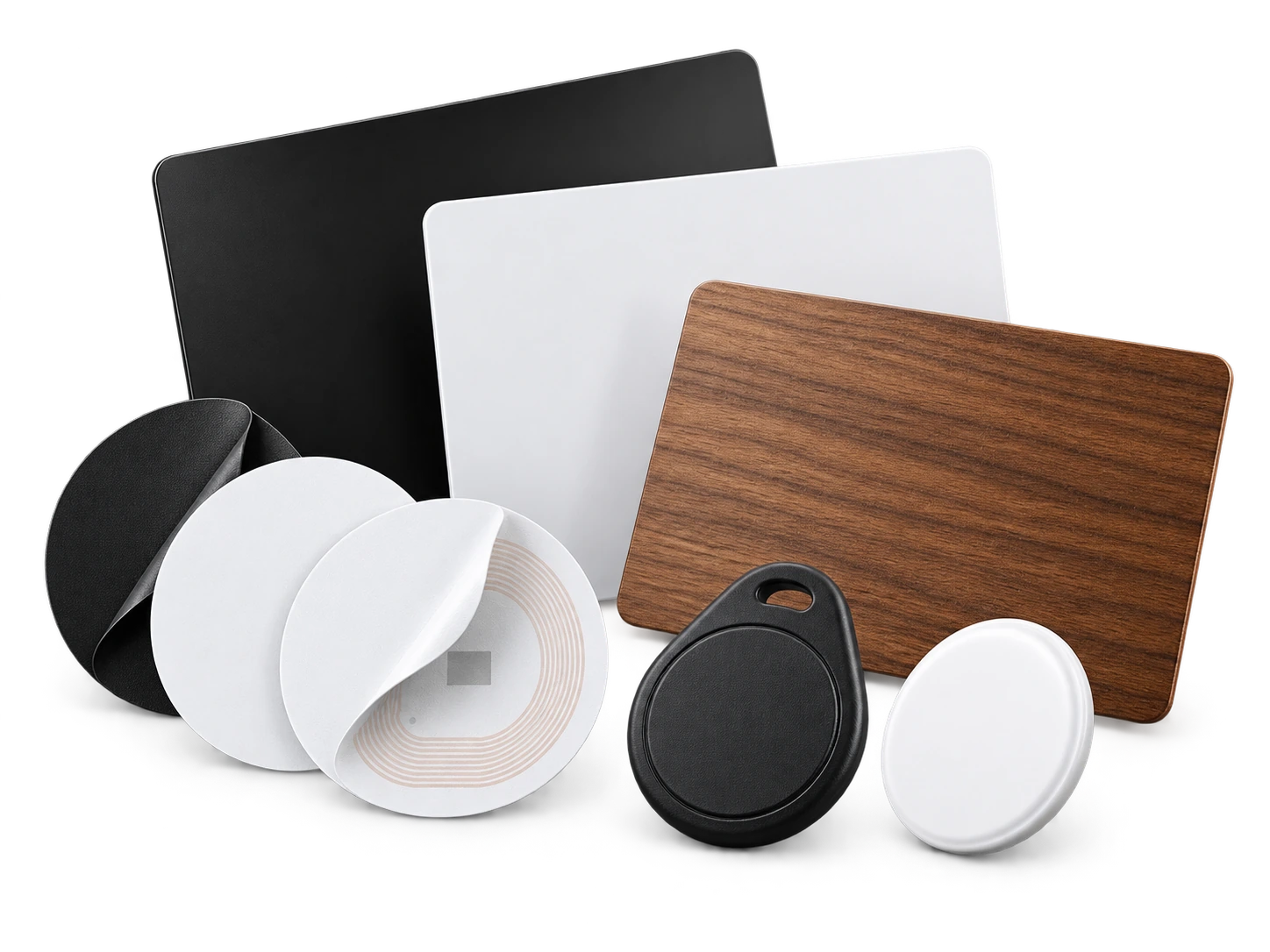
Program an ordinary compatible NFC card or tag with the same permanent smart link. No proprietary My Contact Profile hardware is required.
Google Wallet + Save Contact
When you are moving between jobs, a Wallet pass gives you a quick way to show the same permanent QR and contact actions without carrying a stack of cards.
Save Contact provides a vCard from the public details you chose to publish, so the recipient can store your contact without manually typing the fields.
Profile recommendations
Use the professional title customers search for, not an internal job-code abbreviation.
Include the areas or job types you genuinely cover.
Link to a website or portfolio if it helps customers verify qualifications and past work.
Keep emergency and routine contact routes clear so customers know which method to use.
Questions
Yes. The QR points to the permanent My Contact Profile smart link, so you can update the live profile later without changing already printed codes.
No. A normal QR scan, NFC tap or link opens the public profile in the phone browser.
Ready when you are
Use an ordinary writable NFC card or sticker, program your permanent profile link yourself, and keep the same card when your details change. Bulk blank cards can cost only a few tens of pence each.