Call first
Make the main phone number easy to reach for urgent leaks, breakdowns and same-day jobs.
Built for mobile, local and emergency work
Keep your phone number, service area, company details and website in one live profile. Put the permanent QR on a van, estimate, invoice or workwear, and use NFC when you meet customers face to face.
Contact priorities
Make the main phone number easy to reach for urgent leaks, breakdowns and same-day jobs.
Show the towns or area you cover so customers can tell quickly whether the job is local.
Give customers a simple route for photos, non-urgent enquiries, reviews or booking information.
Permanent QR
The QR points to your permanent smart-link identity, so the printed code can stay in place while the live profile changes.
NFC tap
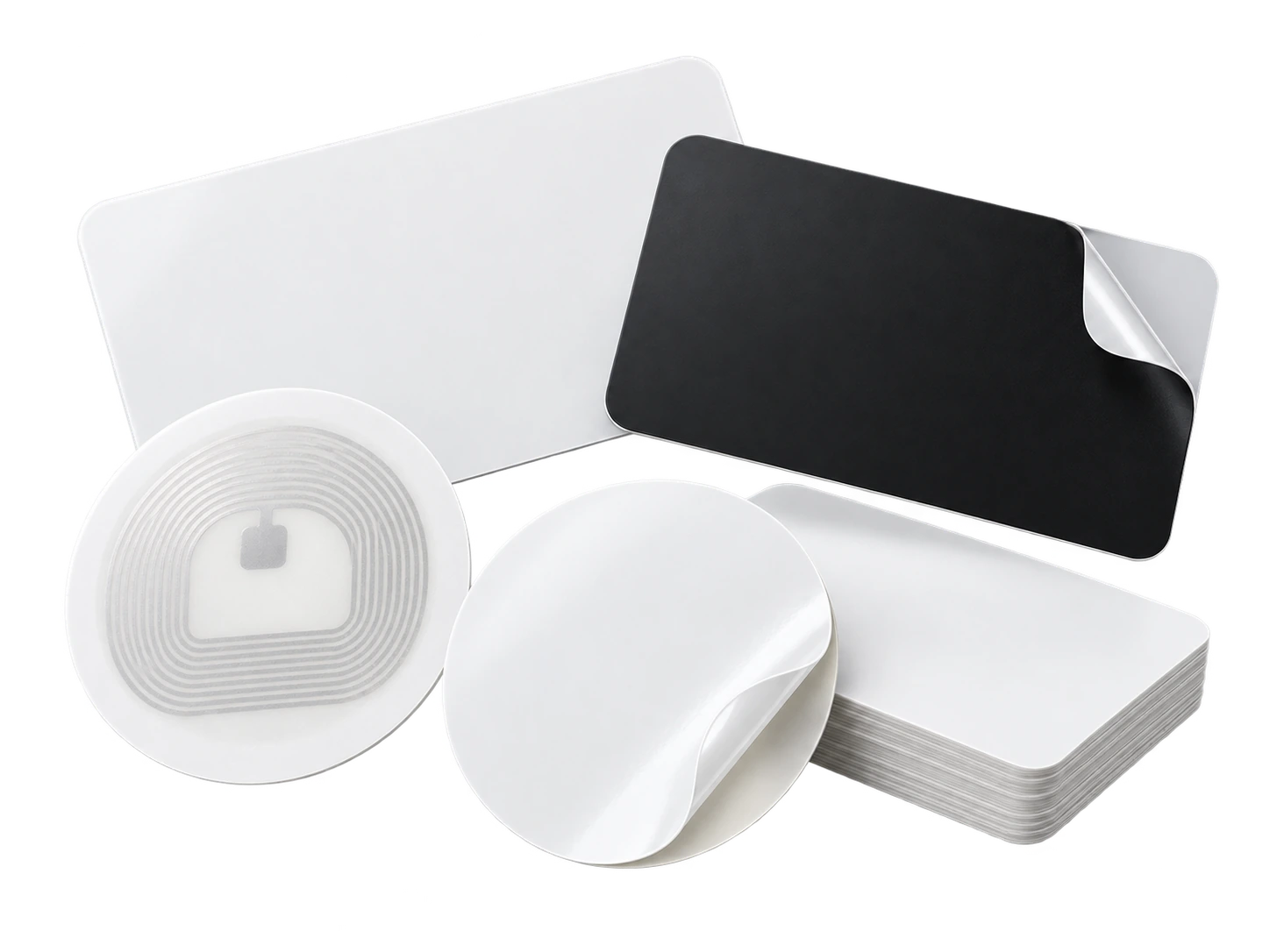
Program an ordinary compatible NFC card or tag with the same permanent smart link. No proprietary My Contact Profile hardware is required.
Google Wallet + Save Contact
A Wallet pass keeps your permanent QR and core contact actions ready when you are quoting on site and do not want to search through bookmarks or messages.
Save Contact provides a vCard from the public details you chose to publish, so the recipient can store your contact without manually typing the fields.
Profile recommendations
List the main services customers actually call you for, such as emergency plumbing, boilers or bathrooms.
Use a clear service area rather than a vague nationwide claim.
Keep one direct number prominent and add WhatsApp only if you actively answer it.
Add a company logo or recognisable work photo so repeat customers know they have the right person.
Questions
Yes. Use the permanent QR from your profile, keep a clear quiet zone around it and test the printed size from a realistic viewing distance before applying large graphics.
Update the live profile. The permanent QR and NFC smart link stay the same, so existing printed material and programmed cards do not need to be replaced.
Ready when you are
Use an ordinary writable NFC card or sticker, program your permanent profile link yourself, and keep the same card when your details change. Bulk blank cards can cost only a few tens of pence each.