Share a link
Send your memorable public address in email, messages, social profiles or documents.
A business card that can change after you share it
My Contact Profile gives you one live professional profile for your contact details, company, website, WhatsApp and professional links. Share it as a normal link, QR code, NFC tap or downloadable contact.
One profile, several ways to share
A digital business card is most useful when it does not force everyone into the same sharing method.
Send your memorable public address in email, messages, social profiles or documents.
Put your permanent QR on paper, signage, a badge, vehicle, slide or screen.
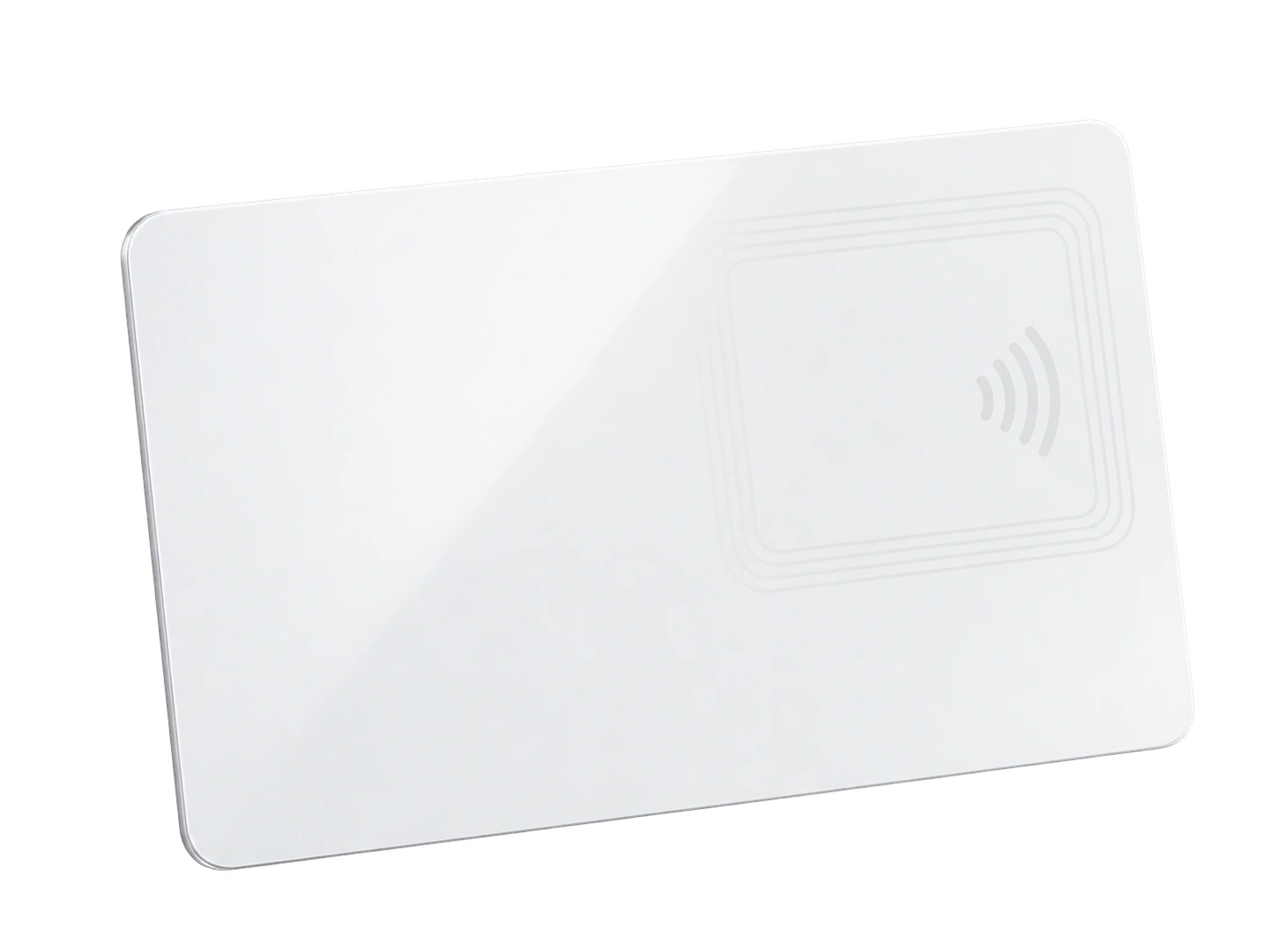
Write your permanent NFC link to an ordinary compatible card, tag or sticker. No proprietary hardware is required.
Let someone download your vCard and save the details they need to their phone.
Simple by design
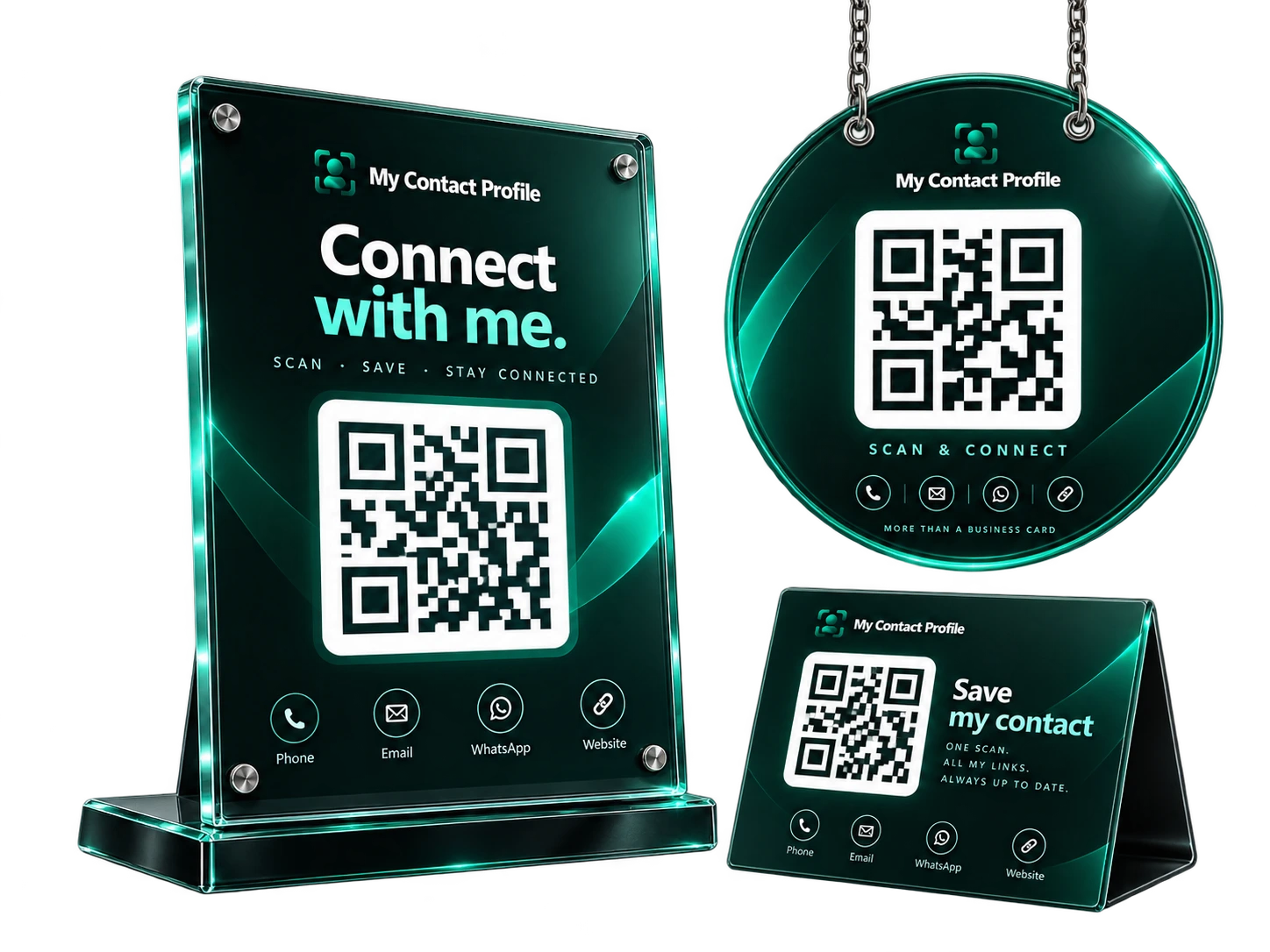
Add only the details you want to share, choose a template and make it match your identity.
Your QR and NFC use a stable smart link that stays attached to your profile account.
Change your public ID, phone number, role, links or design later. Existing permanent QR and NFC links continue to work.
Print your QR on an ordinary business card, use a reusable NFC card, or put both on the same card. The physical item becomes a pointer to the live profile instead of a frozen copy of your contact details.
Questions
No. A normal HTTPS profile opens in the phone browser. QR scanning and NFC behaviour depend on the phone, but no My Contact Profile app is required.
Your printed QR and programmed NFC card use a separate permanent smart-link identity. That identity redirects to the current public profile address.
Yes. A printed card with your name plus a QR code is a useful fallback and does not require an NFC chip.
Ready when you are
Use an ordinary writable NFC card or sticker, program your permanent profile link yourself, and keep the same card when your details change. Bulk blank cards can cost only a few tens of pence each.